
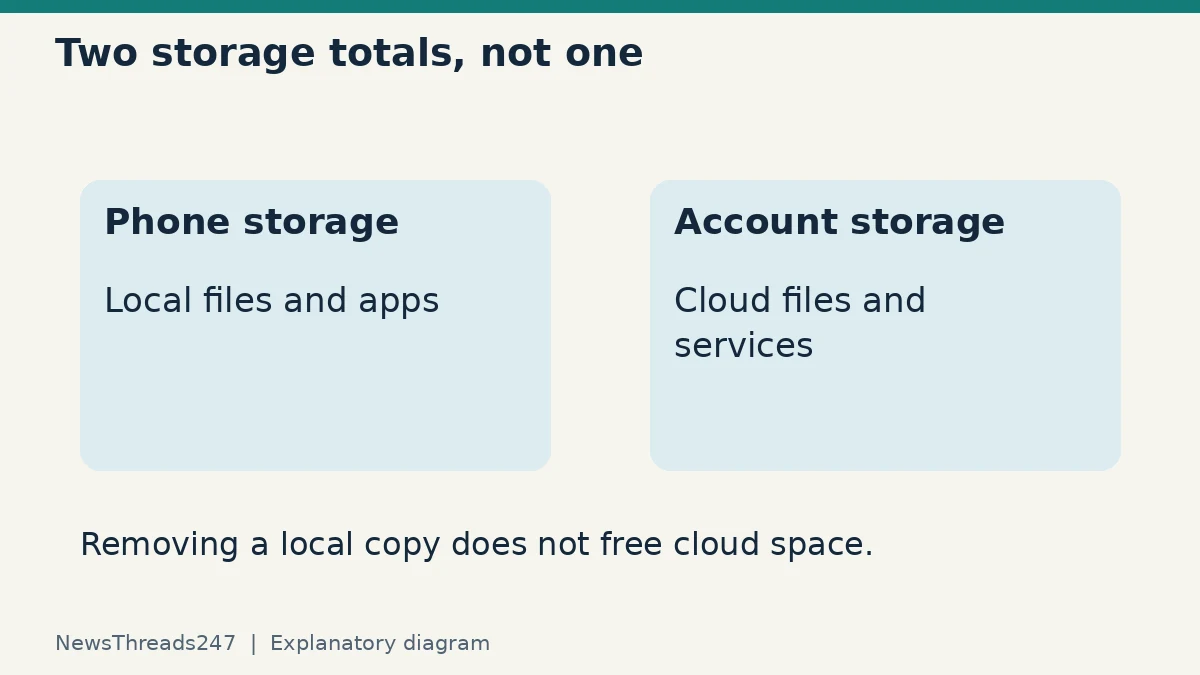
A phone says its storage is almost full. Google Photos still shows every picture, so deleting a few thousand images seems harmless. The problem is that a picture visible in an app is not necessarily a separate, protected copy. Ordinary deletion can remove the cloud item as well as the local one.
Start by naming the space you need to recover: storage on the phone, or storage in your Google Account. For backed-up pictures on Android, Google Photos’ “Free up space on this device” is designed to remove local copies while retaining them in Google Photos. The ordinary Delete action has a different effect. An iPhone using iCloud Photos adds another syncing relationship that must be considered separately.
Check which storage warning you received
Phone storage holds apps, local photos, downloads and other device data. Google Account storage is a cloud allowance shared across services under that account. iCloud storage is another separate allowance. Paying for more cloud space does not physically enlarge a phone, and removing a local file does not necessarily reduce a cloud-storage total.
Before changing anything, open the relevant storage screen and write down which service reports the shortage. Then check the account shown inside Google Photos. Families sometimes discover that a tablet, a second phone and the intended backup library use different accounts. A familiar profile picture is not enough; verify the account identity privately on your device.
This guide applies to normal personal-library cleanup for readers in India and the US. Exact menu labels vary by platform and version. It does not cover an organisation’s managed retention system or promise recovery of a file that has already been permanently deleted.
Google Photos: the cleanup tool and the bin do different jobs
Google’s Android free-up-space instructions say to ensure photos have been backed up first. The tool removes eligible backed-up items from the device, while they remain available in Google Photos. Some newer items can remain locally, so the result need not remove every picture or recover the amount you expected.
By contrast, Google’s deletion guidance warns that deleting in the Google Photos app removes the same items from the device and, for backed-up content, from devices with backup enabled. Do not use the bin as a substitute for the local-space feature when your aim is to keep the cloud library.
After local copies are removed, the phone’s separate gallery or an offline app may no longer display them. Their continued appearance in Google Photos does not mean the full file is still stored on the phone. Plan for internet access or download the particular files you need before travelling or working offline.
Verify a copy, not just an upload setting
A backup switch being on does not establish that every new photograph has finished uploading. Check backup status, select a recent important item and confirm that it is in the intended account’s library. For irreplaceable material, make an additional independent copy and open representative files from that copy before large-scale deletion.
A practical test set might include an older picture, a recent picture and a long video. Compare dates and open the files rather than relying on filenames or thumbnails alone. This is a small verification exercise, not a guarantee that an entire library is intact. It can reveal an account mix-up before thousands of files are affected.
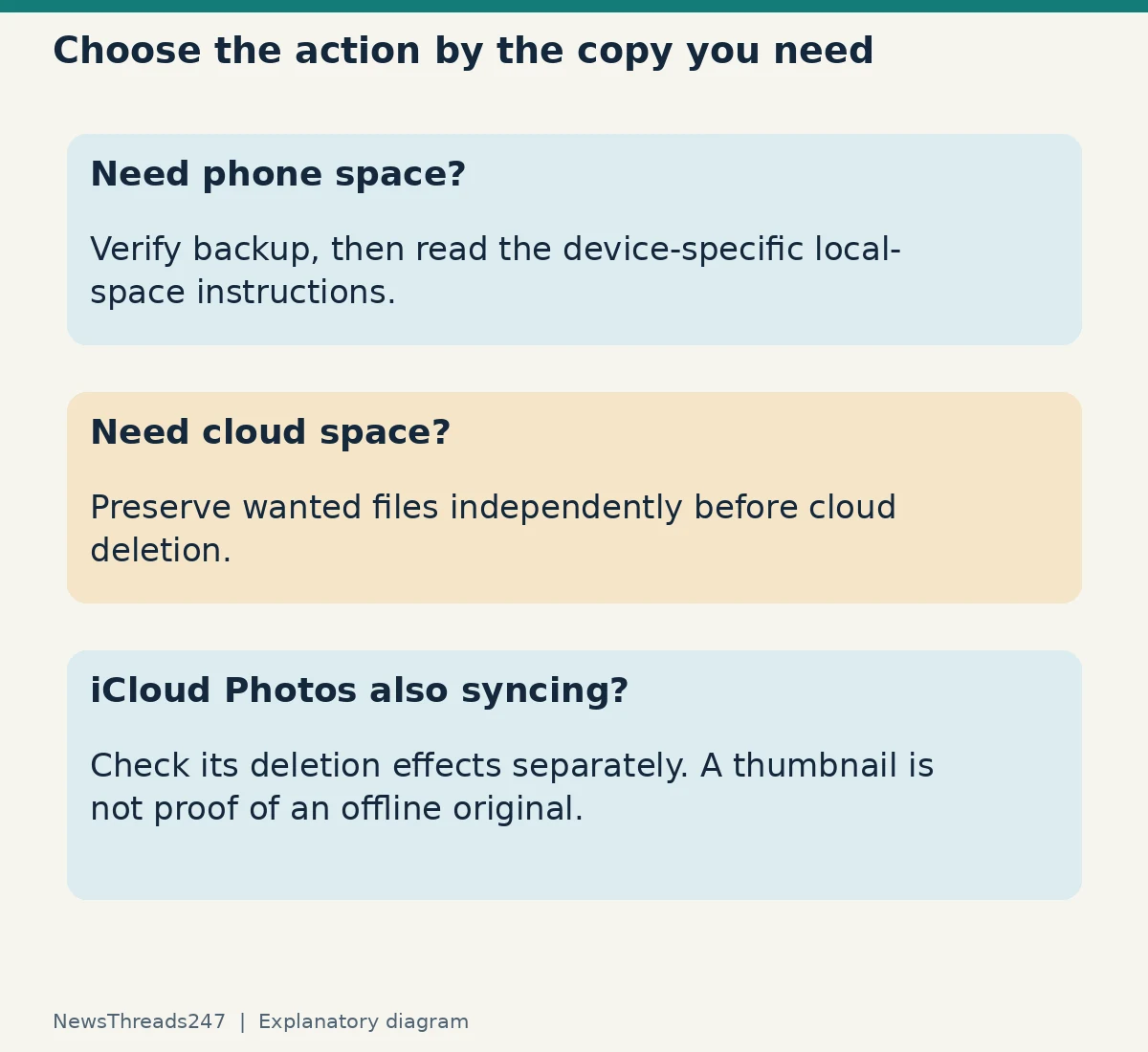
Consider a fictional phone containing 20 GB of photos, with 15 GB successfully backed up to the intended account. Those numbers do not justify deleting all 20 GB. Five GB may have no verified cloud copy. Nor does removing 15 GB locally mean that 15 GB of cloud storage has been reclaimed. The two storage totals describe different places.
iCloud Photos needs its own check
Apple says that with iCloud Photos, deleting a photo on one device also deletes it on other devices signed in to the same Apple Account. Its iCloud storage guidance recommends backing up photos you want before deleting them. Treat syncing as a way of keeping one library up to date, not as an independent archive immune to deletion.
For local space, Apple’s iCloud Photos setup guide describes Optimize Storage: space-saving versions can remain on the device while full-resolution originals are in iCloud. This is a different mechanism from deleting unwanted pictures. It also means the existence of a thumbnail on an iPhone does not prove the original is available offline.
If Google Photos and iCloud Photos are both active on an iPhone, pause before using any feature that removes items from Apple Photos. Check the platform-specific instructions and the effect on your iCloud-synced library. An Android-only sequence should not be copied blindly onto an iPhone. Maintain the independent copy you intend to keep before testing a cleanup action.
If the cloud account is full
Google’s Manage storage guide concerns Google Account storage. It explains that some deleted items may not recover storage because they did not count towards the allowance. Check the actual storage summary rather than assuming a count of deleted photos equals a particular number of gigabytes.
Decide which files are unwanted everywhere and which you want to preserve outside that account. Download and verify the latter before considering cloud deletion. A file export should be checked for completeness and readability; merely starting an export is not a completed backup. Google also warns that Takeout cannot recover permanently deleted content.
Avoid emptying a bin simply to make a graph change immediately. First confirm what was deleted, which account it belonged to and whether you still need any item. Recovery availability and retention rules can change, so consult the current service instructions instead of treating a quoted number of days as protection against a mistake.
A safer way to help someone else clear a phone
Ask the owner what must survive and where they want to access it. Wedding photographs needed offline, work videos and disposable screenshots have different requirements. Do not sign a family member out of an account or disable syncing as a casual shortcut without understanding the consequences.
Use a small, nonessential test item to observe the chosen action, then check the intended surviving copy. Stop if an unexpected deletion appears on another device. A smaller cleanup that preserves the right library is more useful than recovering a large amount of storage by accident.
Keep an accessible record of the account and backup location without putting passwords in a shared note. If you are also replacing the phone, our passkey transfer and recovery guide explains another task to complete before erasing it. Photos and sign-in access need separate verification.
Sources and limits
The linked Google and Apple support pages were checked on 25 October 2026. The examples here are illustrative, not firsthand testing of a device or a claim that a particular lost library can be restored. Confirm the current instructions for your operating system before making changes that delete files.