
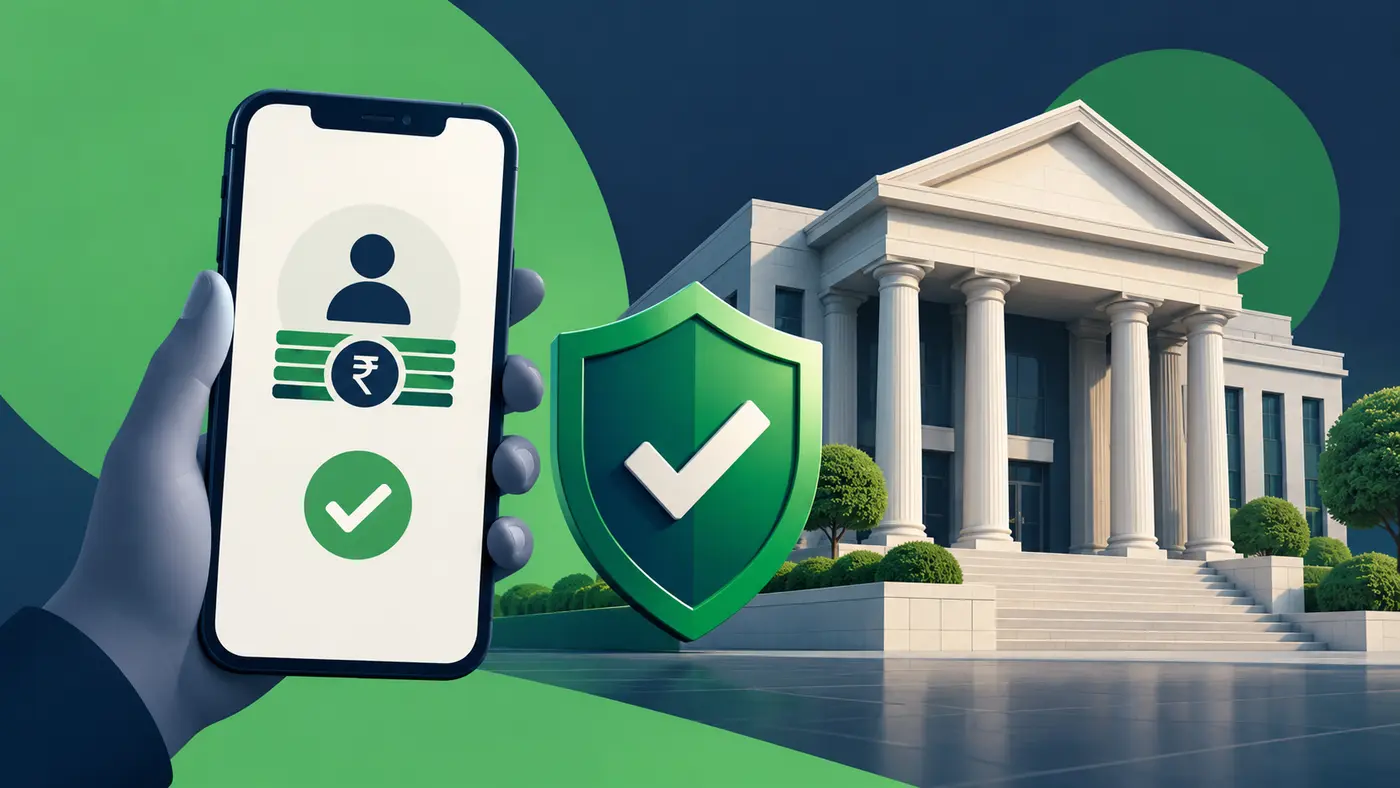
Before you upload a PAN card, Aadhaar-related information, selfie or bank statement to an instant-loan app, identify the actual lender. A polished app, five-star ratings, a WhatsApp recommendation or a message claiming ‘RBI-approved’ is not enough. The important question is whether an RBI-regulated bank or non-banking financial company (NBFC) is really responsible for the loan and whether the offer provides transparent, verifiable terms.
India has a public RBI directory of digital lending applications associated with regulated entities, operational since 1 July 2025. The directory helps verify a claimed association; it is not a certification that every listed loan is cheap, suitable or risk-free. This guide gives the checks to make before sharing documents or accepting an online loan.
First, identify the actual bank or NBFC
Loan apps can act as the technology interface for a bank or NBFC, or function through a lending service provider (LSP). The logo you see first may not be the legal entity that grants your credit. Look for the lender’s full legal name, the app publisher, the customer-care and grievance details, and a link to the lender’s official site. Do not accept a vague line such as ‘bank partners available’ as proof of a particular loan’s origin.
The RBI’s Financial Awareness Messages advise users to verify an app’s association with a regulated bank or NBFC on that institution’s website. The same RBI consumer material warns against downloading apps through SMS or social-media links. Start from a trusted URL you type yourself instead of a forwarded shortcut.
How to use the RBI digital-lending app directory
From the RBI’s official website, navigate to Citizen’s Corner → DLAs deployed by Regulated Entities, then search for the relevant app or regulated entity. The government confirmed the directory’s operation in a 21 July 2026 Press Information Bureau update. Cross-check the result with the bank/NBFC’s own website, its customer support and the app-store publisher information.
There is an important limit. When the RBI announced the directory design in 2025, it explained that entries were based on regulated entities’ submissions on an ‘as is’ basis rather than a separate RBI validation of each app. A directory match supports the claimed association; it should not be interpreted as an endorsement of fees, underwriting or business practices. A missing or inconsistent entry is a reason to pause, investigate and contact the lender directly.
Seven questions to answer before applying
- Who lends the money? Write down the full legal name of the bank/NBFC and check it on official channels.
- What is the true cost? Ask for the Annual Percentage Rate (APR), interest rate, processing and other permitted charges in the Key Facts Statement (KFS). A low monthly EMI alone hides the total cost.
- Where does the money go? Check that disbursal, repayment and any service-provider arrangements follow the regulated lender’s disclosed workflow; do not transfer a fee to a personal UPI ID to ‘unlock’ a loan.
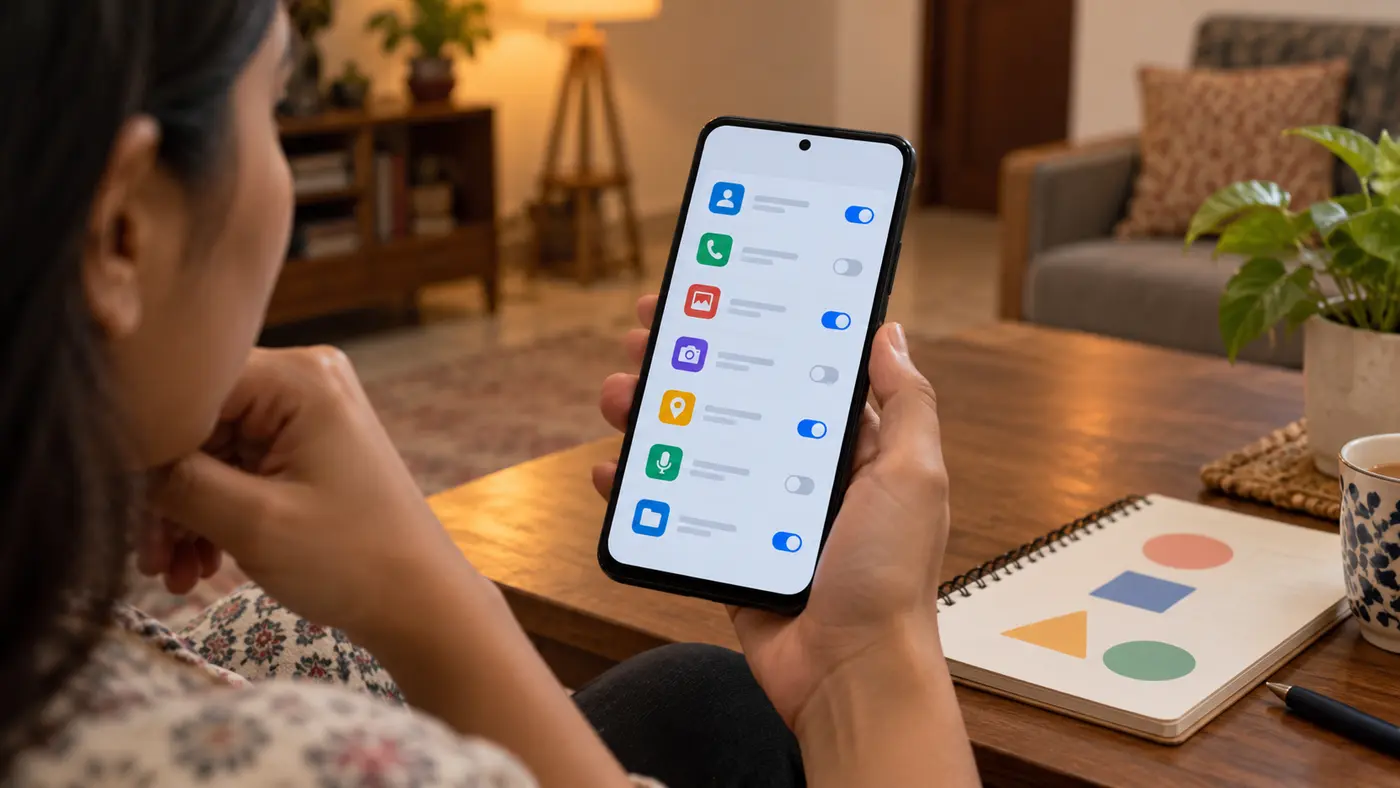
- What permission does the app request? Challenge requests for contacts, call logs, files and unrelated personal data; a loan application does not justify unrestricted access to your digital life.
- How long is the loan? Confirm disbursal amount, repayment dates, late fees, prepayment terms, and the consequences if you miss a due date.
- Who handles complaints? Save the regulated lender’s grievance officer details, not just an in-app chatbot or a personal messaging number.
- Can you afford it without another loan? Consider essential expenses and existing repayments. Easy approval is not the same as a suitable product.
Read the KFS, not just the ‘approved’ screen
The RBI issued consolidated Digital Lending Directions, 2025, replacing the earlier scattered framework. The directions cover transparency, borrower information, recovery, data handling and grievances. A reputable digital loan process should make the legally required Key Facts Statement and contractual terms available before execution. In particular, the all-in APR is more meaningful for comparing loans than a headline interest-rate number alone, because eligible charges affect the real price.
Ask what the approved principal is, how much will actually be disbursed, what your EMI or bullet repayment is, total repayment amount, cooling-off/look-up terms and whether any third party is demanding money separately. Keep a copy of signed documents and the payment schedule delivered through the regulated channel. Our KFS and APR explainer shows how to compare a nominal rate with a more complete borrowing cost.
| Claim or screen | Better verification |
|---|---|
| ‘RBI approved app’ advertised | RBI does not mean this is a guaranteed-safe deal; verify regulated lender, app association and terms |
| ‘Only 1% interest’ | Ask whether the rate is monthly or annual, flat or reducing, and compare APR/KFS |
| ‘No documents needed’ then PAN and contacts demanded | Pause until identity, legal reason and data-consent terms are clear |
| ‘Pay ₹999 to release funds’ to a personal account | Treat as a serious warning; contact the claimed lender through independently found official details |
| ‘Limited-time approval: download this APK’ | Do not sideload through forwarded links; verify official distribution and publisher |
Why contacts, photos and microphone access matter
Unnecessary access to contact lists, call logs, photos or unrelated storage can enable privacy abuse, intimidation or identity misuse. The RBI’s consumer guidance and digital-lending conduct rules emphasize controlled, purpose-based data collection and borrowers’ explicit consent. Some camera or location functions may have a legitimate, narrowly defined role in KYC; that is different from unlimited ongoing access.
Before granting access, read the privacy notice and check your phone’s permissions screen. Keep the operating system updated, use a strong device lock and avoid sending identity documents to an unknown support account in a chat. If you decide not to proceed, revoke permissions where possible and ask how the institution handles any submitted data under its applicable policy. Removing an app does not automatically erase documents already supplied.
Warning signs of a suspicious loan app
- Pressure to apply immediately, especially before you can identify the legal lender.
- A demand for an upfront transfer to a stranger, personal UPI ID or unrelated wallet.
- No downloadable KFS, repayment schedule or reliable grievance contact.
- Threats to contact family members or publish data as a means of recovery.
- Unrelated permission requests paired with no credible privacy explanation.
- An app package circulated by social media or SMS, with a near-copy of a known institution’s brand.
None of these signals alone proves a particular criminal offence, and no checklist can guarantee safety. Together they help you decide when to stop and verify independently. If someone is impersonating a bank, use the bank’s official fraud-reporting channel rather than arguing with the suspicious caller.
If you already shared details or lost money
If you suspect financial cyber fraud in India, immediately inform your bank or payment provider and report it via the National Cyber Crime Reporting Portal or the national financial-cyber-fraud helpline 1930. Timely reporting may help response efforts, though recovery is not guaranteed. Keep transaction IDs, screenshots, app names, URLs and communication records.
If the issue is with a genuine RBI-regulated lender’s loan service, file a written complaint with that lender’s designated grievance channel first and preserve acknowledgement. Where eligible and the prescribed process is satisfied, the RBI Complaint Management System offers a further route. A fraud report to police and a service grievance to a lender are different processes; both may be appropriate depending on what happened.
Frequently asked questions
Does a loan app appearing in the RBI directory mean RBI recommends it?
No. The directory is intended to assist with checking an app’s claimed association with an RBI-regulated entity. It is not a quality rating, approval of an individual loan or guarantee of fair pricing.
Can I trust an app because it is available in a major app store?
Store availability is one useful distribution detail, but it does not substitute for checking the regulated lender, official app association, KFS and permissions. Impersonation and misleading promotions can occur outside and within app ecosystems.
What is APR on an instant loan?
APR expresses an all-inclusive annualised cost under the relevant disclosure rules, incorporating applicable costs. It is especially important for short-tenure loans advertised with an attractive flat or monthly rate.
Should a digital loan app ask for my contact list?
Treat unrestricted contacts or call-log access as a significant privacy warning. Use the RBI framework and the lender’s stated data-purpose and consent terms to question access unrelated to lending or necessary KYC.
If I never accepted the loan, should I still take action after uploading documents?
Yes. If the app or operator appears suspicious, stop sharing information, review account and device access, preserve evidence and contact the relevant institution through official channels. Seek appropriate fraud assistance if there has been a transaction or misuse.
The safe order of operations
Verify lender → confirm app association → read KFS and APR → check permissions and grievance channels → decide affordability → only then apply. That sequence takes longer than pressing ‘instant approval’, but it can prevent a costly mistake. Primary references include the RBI’s FAME digital-lending guidance and the government account of the RBI app directory.
Editorial note: Checked against official government and regulator material on 1 November 2026. This article is consumer education, not a recommendation to borrow from any app or lender.