
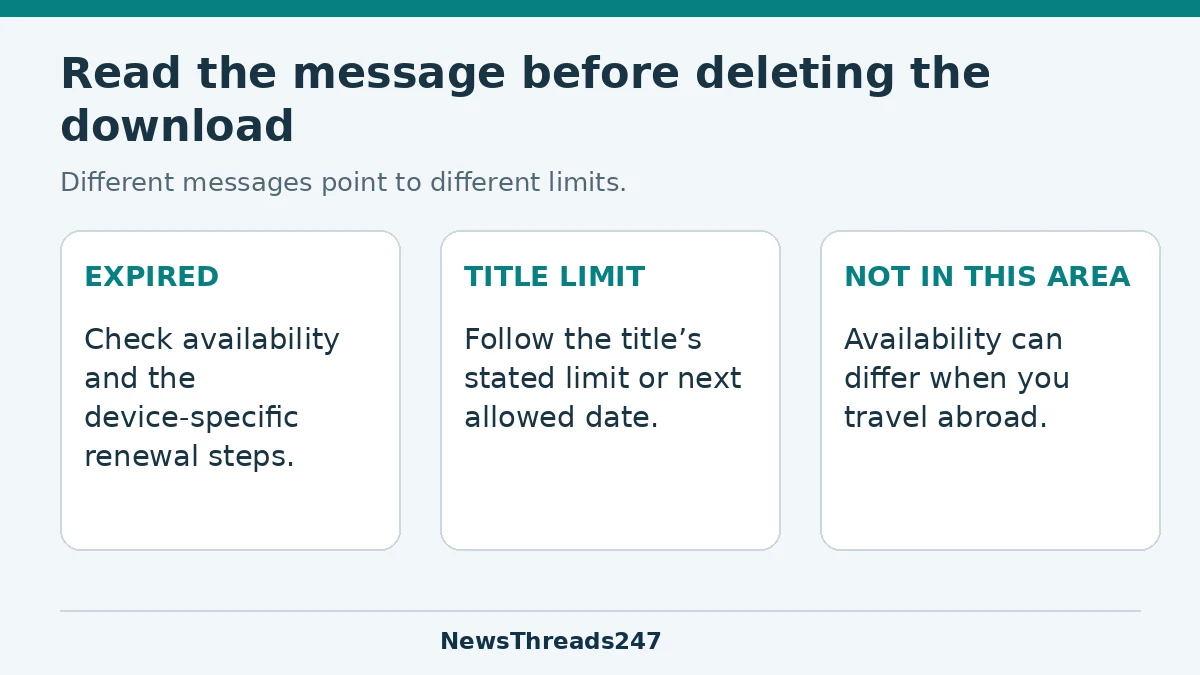
A Netflix download is not a permanent copy of a film or episode. It can expire, and some titles have limits on downloading or renewing them. If the app says “Expired,” read the message and check the title’s availability while you still have an internet connection. Deleting a file is not a universal fix for every download warning.
Before a train journey, flight or weekend with unreliable connectivity, the useful check is specific: are the episodes you want actually downloaded on the device you will carry, and do they show an expiry or limit warning? A download button you tapped yesterday is not the same as a completed, usable offline library.
This guide uses Netflix’s published help instructions, checked on 24 October 2026. It is relevant to viewers in India and the US, but title availability, devices and plan entitlements can differ. It does not assume that both countries have identical catalogues or subscriptions.
Expiry, a download limit and a missing title are different problems
Netflix’s expiry guidance says downloaded titles expire after a period of time. It does not give one universal duration for every title on that page. It also says a title that is no longer available on Netflix cannot be renewed or downloaded again. Avoid treating a general “48 hours” or “seven days” claim from an old article as the rule for your entire library.
Start with what your app actually says. “Expired” suggests you need to examine the renewal route. A warning about the number of downloads is a different restriction. A title that cannot be downloaded at all is a third problem. These can look similar when you are in a hurry, but clearing storage does not answer a licensing limit.
Keep the wording or error code before changing anything. That record helps you find the relevant official instructions and explain the problem if you need support. You do not need to share your account credentials or a screen showing personal details to describe an error.
Check the device you are taking
Netflix’s offline-viewing guide lists supported Android phones and tablets, iPhones and iPads, Fire tablets and Chromebooks with Google Play Store. It notes that some older operating systems may not support downloads. Downloads are available on the device used to download them; seeing a title in your account on another device does not establish that it has been saved there.
Netflix’s troubleshooting page says the download feature is not available on Windows devices. That is a useful reason to check current support before leaving home with a laptop based on an older tutorial. Being able to stream on a device does not automatically mean its current app supports offline downloads.
For a family trip, identify the device and viewing profile before preparing the library. Netflix also notes that a Kids profile may not allow offline viewing of titles with higher maturity ratings. A film appearing under an adult profile is therefore not proof that it will be available in the child’s viewing environment.
Renew an expired title while a connection is available
Netflix’s expiry page provides device-specific instructions. For Android phones and tablets, it directs viewers to the download’s status menu, removal of the expired download and downloading the title again. Its iPhone and iPad instructions also include checking that the device date and time are correct before trying the download again.
Use that sequence for the relevant device and message. Confirm that the title is still available and that the app permits another download before assuming a replacement can be obtained. If you have a data allowance to consider, check the connection before starting a large download.
Do not change the clock to try to extend a licence. Correct an inaccurate date or time using the normal device setting; the purpose is to keep the device accurate. Changing settings is not a way to make an unavailable title available.
When the app says there is only one download left
Netflix has a separate help page for the iPhone or iPad warning that a title can be downloaded only one more time. It says some titles have a limited number of downloads per year per account. Confirming that final download can mean the title cannot be downloaded again for up to a year; streaming online or choosing another title are the alternatives described there.
That is a title-specific warning, not a measurement of free storage. Read it before deleting a working copy in the expectation that you can immediately replace it. The right question is whether another download is permitted, not simply whether there is enough room for the file.
If the app provides a next-available date or another specific limit message, use the help page for that exact message. Do not assume that a limit mentioned for one plan, device or title explains every download failure. This guide deliberately does not supply a single plan-wide download allowance.
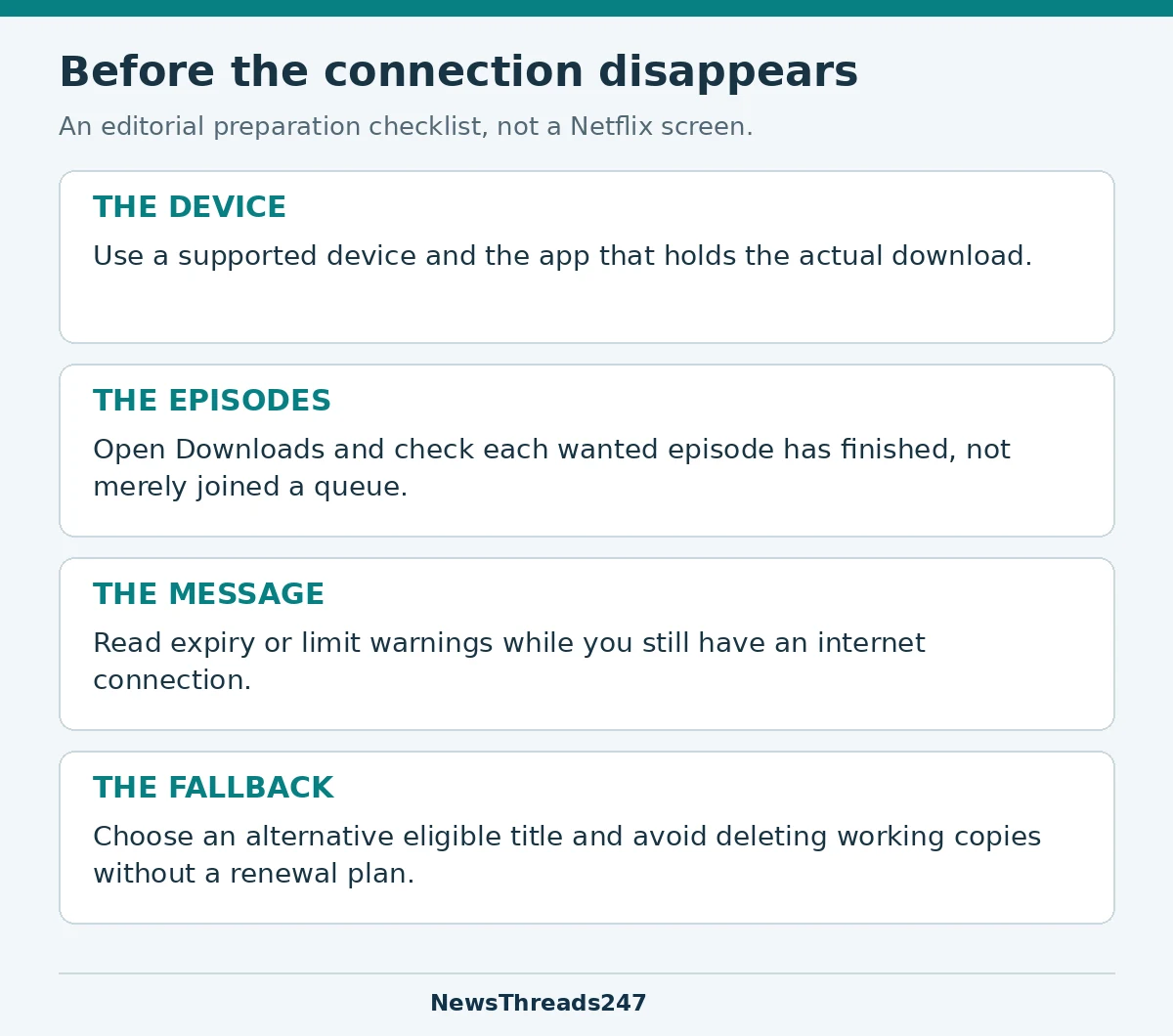
A useful pre-travel check
- Open Downloads on the device you will carry. Check the particular films and episodes, rather than relying on a saved list or viewing history.
- Distinguish a completed download from one that is queued, paused or has failed. Resolve any message while you have time and connectivity.
- Read the expiry or limit information shown for the wanted title. If renewal is needed, follow the device-specific route before departure.
- Check whether the intended viewing profile can access the title. Prepare an appropriate alternative if necessary.
- Keep enough time and suitable connectivity for a replacement download. Avoid making a large last-minute download your only plan.
Consider a fictional family that selects a season for a long train journey. One episode is complete, two are still waiting to download and an older film shows an expiry warning. Counting four items on a screen as four ready programmes would conceal three different states. Their useful preparation is to finish the eligible episodes, deal with the expired film and confirm what remains available.
This is a planning example, not a device test or a guarantee that a title will remain available throughout a trip. Preparing an alternative reduces reliance on one title whose rights or download status may change.
International travel adds an availability check
Netflix’s explanation of error 22004 on iPhone and iPad says the message can appear after travel to a country where the downloaded title is not offered. Its guidance is to use a title available there, or retain the download and reconnect in a country where it is available so the app can determine the location.
That matters on an India–US trip: the fact that a programme downloaded successfully in one country is not a promise about viewing it in another. Do not interpret a regional message as proof that the phone’s storage is damaged. Check the specific message and the service’s instructions for your destination.
Why reinstalling should not be the first reflex
Netflix warns that clearing its app data on Android removes saved downloads and signs the viewer out. It gives a similar warning for uninstalling the app on iPhone or iPad. These can be supported troubleshooting steps in the right situation, but they have a consequence worth understanding before a journey.
If you are about to lose connectivity, deleting the app can turn a single troublesome title into an empty offline library. Preserve the exact error, follow the matching instructions and make sure you can sign in and download again before choosing a step that removes local copies.
For Android users, app updates and operating-system updates are separate checks. Our Android update-status guide explains why “up to date” in one place does not necessarily describe every software layer.
The practical aim is a prepared library on the right device, with the relevant warnings understood. Downloading ahead helps with connectivity; it does not create permanent ownership or override the service’s availability rules.