
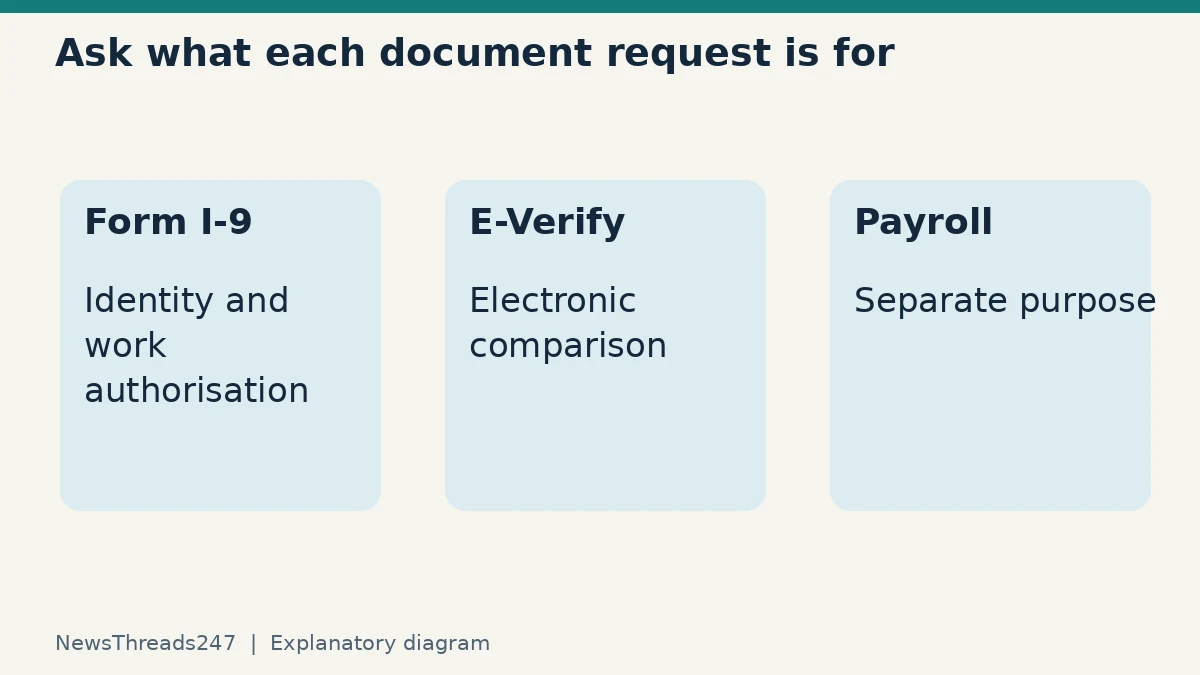
An onboarding email asks for a passport, a Social Security card and an immigration document. Before assembling every document you own, ask what each request is for. Form I-9 has defined document choices; a payroll request or another onboarding check may have a different purpose.
For US employment eligibility verification, employees choose acceptable documentation from the Form I-9 lists. The ordinary choice is one List A document, or a List B document together with a List C document. An employer’s preference for a particular document does not replace those choices. Special rules, acceptable receipts and extensions can apply, so use the current official instructions for your situation.
This guide concerns employment in the United States, including Indian nationals starting a US job. It does not establish a person’s immigration status, permission to work or eligibility to work remotely from India. Those are separate questions requiring appropriate case-specific guidance.
Separate the form from the electronic check
The US Department of Justice explains that employers use Form I-9 to verify identity and employment eligibility at hire. Some also use E-Verify to compare information from the form with government databases. Its overview makes clear that these processes must be applied consistently and without prohibited discrimination.
E-Verify is not a replacement document to collect from a new starter. Nor should a worker assume that an electronic mismatch is a final decision about authorisation. Understanding the name of the process helps you ask the right question when a message simply says that “verification failed”.
Ask HR whether a request relates to initial Form I-9 completion, an E-Verify case, payroll or another identified requirement. Record the answer. Avoid combining every process into a single informal document bundle whose purpose nobody can explain.
What the document lists establish
List A documentation establishes both identity and employment authorisation. List B concerns identity and List C concerns employment authorisation. The important word between the routes is “or”: the standard initial choice is List A, or List B plus List C, subject to the current rules. Do not treat this article as an exhaustive list of which documents or combinations are valid.
Worker.gov explains that employers may not demand extra or specific documents based on national origin or citizenship status. Its example is an employee presenting an acceptable state-issued licence or ID and unrestricted Social Security card; an employer cannot then require a work permit or Permanent Resident Card for that verification simply because it prefers one.
Use the actual current Lists of Acceptable Documents supplied with the official form. A familiar card is not automatically an acceptable document for every purpose. In particular, restrictions printed on a document and any applicable special rules matter. Do not send a photograph of a document to an unknown online adviser to get a casual ruling.
A request for payroll can be a different question
The Justice Department’s IER frequently asked questions explains that an employer may request a Social Security card for payroll even though it cannot prescribe a particular document for employment eligibility verification. It recommends separating these processes and communicating the basis for each request.
That exception is a reason to clarify, not to assume that every extra request is lawful or unlawful. A useful response is: “Please confirm which documents are required for Form I-9 and which are requested for payroll, and provide the secure submission instructions.” This narrows the issue without unnecessarily disclosing more personal information.
In a fictional example, a worker has already presented acceptable List A documentation, and payroll separately asks for a Social Security card. The right next step is to establish the purpose and approved process, rather than conclude either that the I-9 choice was invalid or that payroll can never ask. The facts and purpose of the actual request determine the question.
Use the accepted offer and official HR route as anchors
The Equal Employment Opportunity Commission’s guidance says Form I-9 and E-Verify processes must not be conducted before the employee accepts an offer. It also explains employees’ document choice and protections against discriminatory demands. A requirement to establish work eligibility at hire is different from an unsolicited recruiter collecting identity files before an offer exists.
Confirm the employer and the HR contact through independently obtained details. Ask which secure system or appointed representative handles verification. A genuine-looking logo or a form headed “I-9” does not authenticate the sender. Our job-offer verification guide for India covers the separate employer-verification problem; its Indian procedures do not replace US onboarding rules.
Do not publish document numbers in a support forum or send them through a contact route found only in a suspicious message. If the request is legitimate but the upload fails, report the technical issue to the verified HR team and ask for an approved alternative. Avoid creating your own public file link as a shortcut.
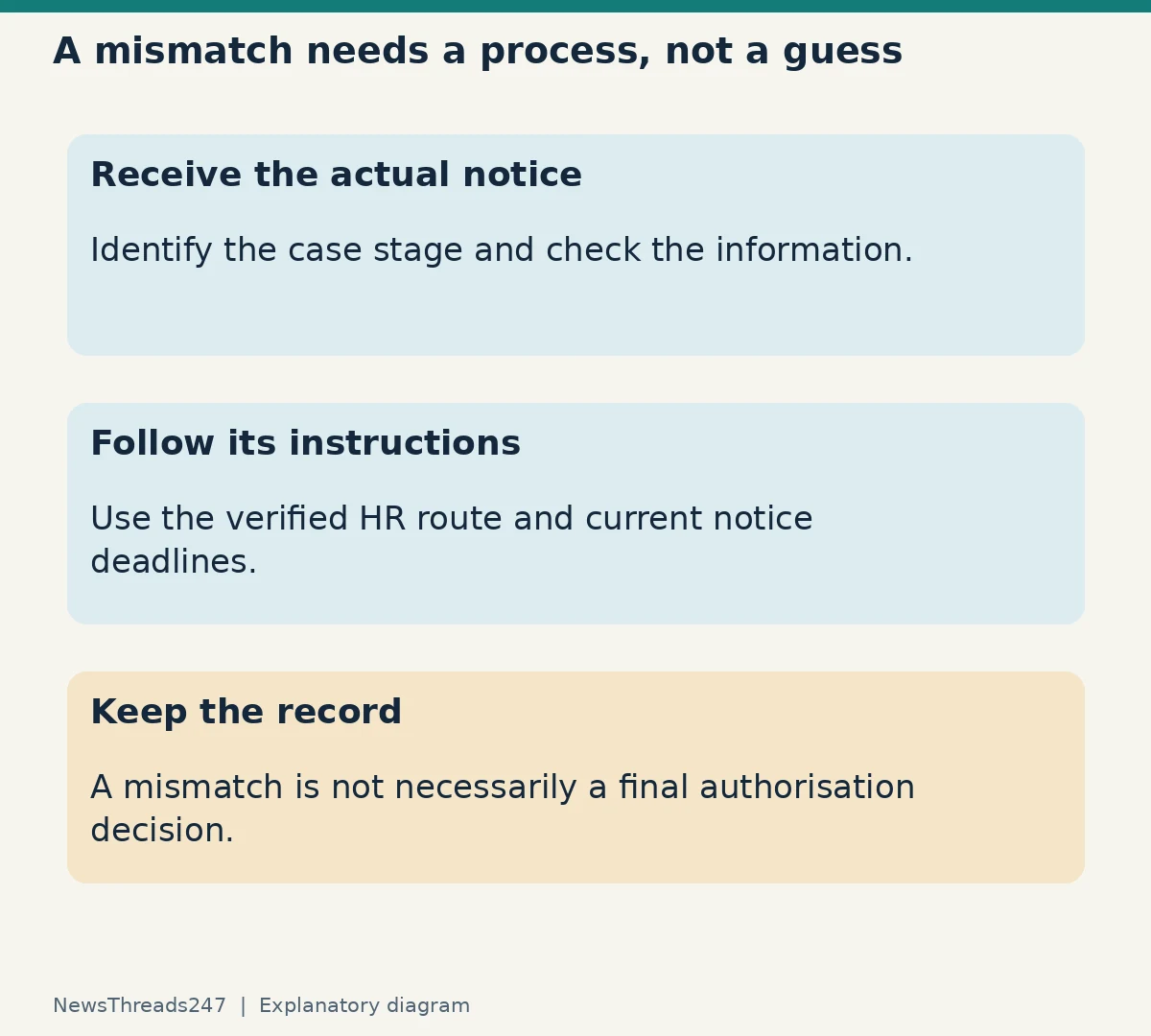
A mismatch is a stage to resolve
An E-Verify Tentative Nonconfirmation, also called a mismatch, does not necessarily mean a person is not authorised to work. The Justice Department’s anti-discrimination guide says employees must be notified and allowed to decide whether to take action to resolve it. The EEOC explains that an employer cannot take adverse action merely because an employee is contesting a TNC.
Get the actual notice and instructions through the employer’s verified process. Check that the details belong to you and that the information entered from the form is accurate. Follow the notice’s current steps and deadlines rather than a generic online countdown. A mismatch and a final case result are different stages, so preserve the document that identifies the stage.
Keep dates, the notice, the response you supplied and the name of the HR contact. This makes a follow-up factual: “I received this notice on this date and took this stated action,” rather than “the system says no”. Do not assume a coworker’s experience establishes the outcome of your own case.
How to raise an extra-document concern
Ask the employer to identify the rule behind a specific demand and explain the acceptable alternatives. If the concern is discrimination based on citizenship, immigration status or national origin, contact the Justice Department’s Immigrant and Employee Rights Section through its published channels. Worker.gov and the linked IER pages identify that assistance route.
A concise record should include what was requested, the stated purpose, the documents you chose to present and the employer’s response. Keep personal identifiers out of any initial general inquiry unless the official service requests them through an appropriate channel. Seek qualified assistance for a contested case rather than altering a document or guessing how to complete a legal attestation.
Scope and references
This explanation draws on the DOJ, Worker.gov and EEOC pages linked above, checked on 25 October 2026. It is general information about document choice and process. It does not replace current Form I-9 instructions, determine whether a particular document is acceptable in an individual case, or provide immigration advice.