
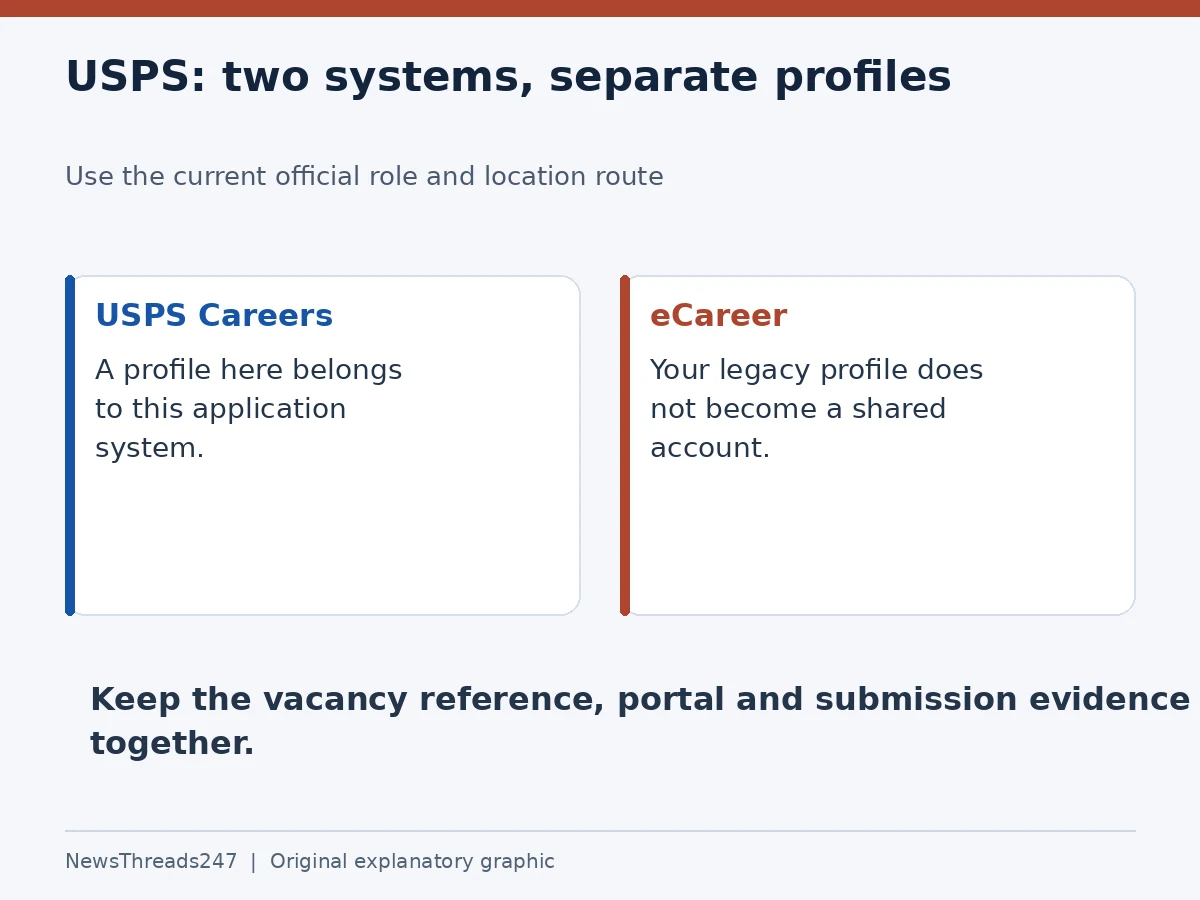
If an old USPS account does not work on a job application page, first check which system you are using. USPS Careers and the legacy eCareer system have separate profiles. Creating another account may be necessary for the new system, but it will not solve a search being run in the wrong place.
USPS’s current How to Apply page, checked on 27 October 2026, still describes the transition. This is a guide to navigating that transition in the United States, not an announcement that every listed job is open in your area or that a new nationwide recruitment began today.
Find the current official route for the job
Start with the official page’s role categories and follow any location prompt it presents. USPS identifies several frontline roles with its new application system, while other work continues through eCareer. Because routing can involve the role and location, an old article’s list is not a reliable substitute for the current selection process.
Write down the exact job title and location before following a link. Similar labels can describe different appointments. If a vacancy has a reference number, retain it too. This gives you something precise to compare when a browser tab, email or account dashboard presents a shorter title.
USPS says the systems do not share an account profile and that some applicants may find searching both helpful. That does not mean applying twice to the same vacancy is useful. Use the route attached to the actual posting, and keep a record of the system in which you submitted it.
Keep four pieces of information together
| Record | What to save | Why it helps |
|---|---|---|
| Vacancy | Full title, reference and location | Separates similar jobs |
| Portal | Official system used | Identifies where to sign in again |
| State | Draft, submitted or further action requested | Prevents a saved draft being mistaken for submission |
| Evidence | Dated receipt or status message | Shows what the system actually confirmed |
This log is your own organization method, not a USPS requirement. Add the closing date exactly as the posting displays it, including a time zone if one is stated. If no clock time is shown, do not supply one from a different vacancy. A search result that appears today is not evidence that the deadline is the same everywhere.
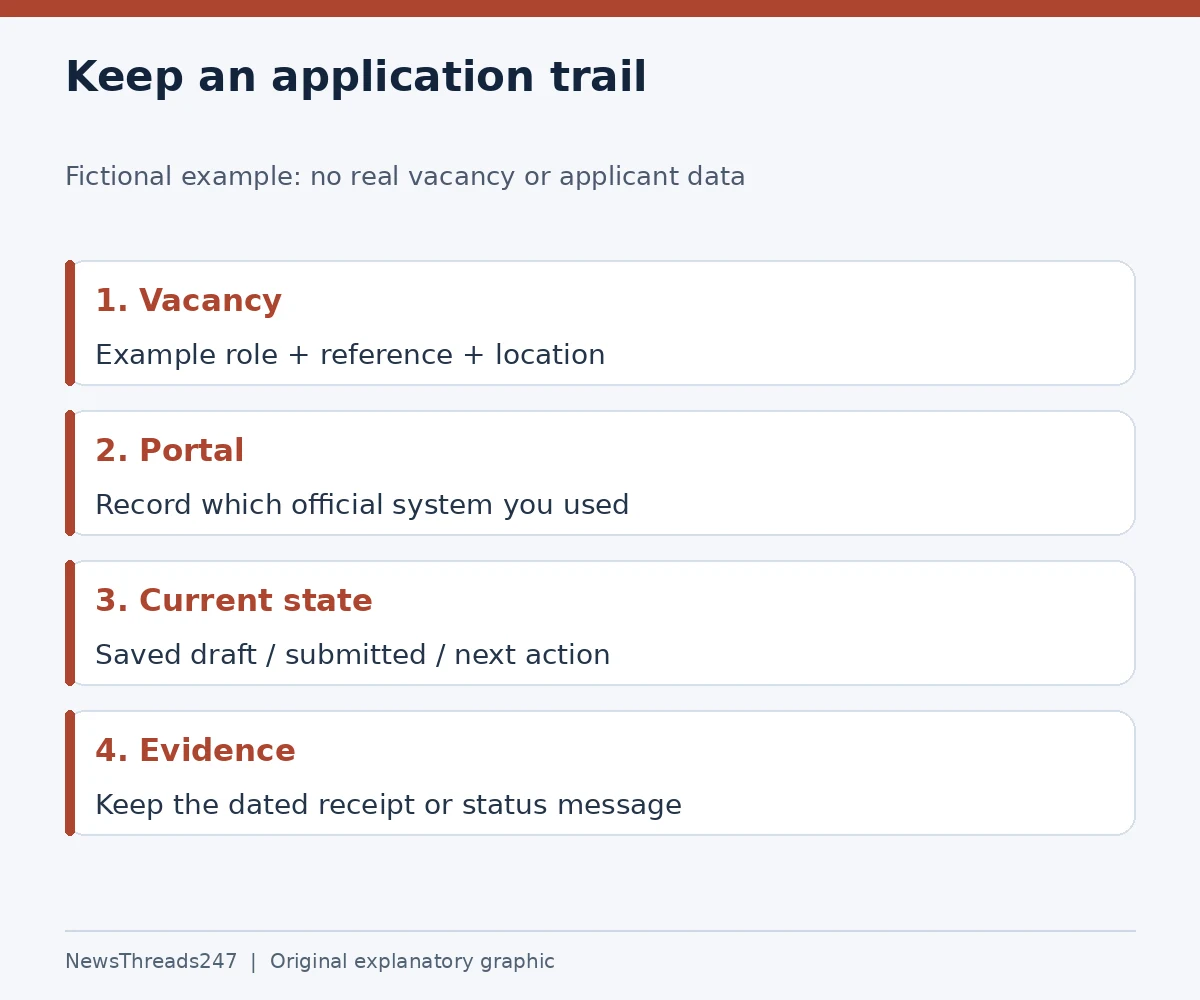
For a fictional entry, write “Example delivery role — reference EXAMPLE — selected location,” followed by “official portal used,” “draft only” and “finish required fields.” The point is to name the actual stage. Do not write “applied” merely because an account exists or a résumé has been uploaded.
Three common situations need different responses
First, imagine a fictional applicant who used eCareer last year and is now directed to USPS Careers. Their old credentials failing on the new page does not establish that the old account was deleted. Check the system name before starting password recovery, then use the account route appropriate to that system. Never send passwords or verification codes to a third-party helper.
Second, imagine a search with no results in one portal. Review the role category, location and search filters before concluding that USPS has stopped hiring. The official transition page is a better starting point than a social post claiming that all vacancies have moved. A result set can change; it is not a nationwide vacancy count.
Third, imagine an applicant who completed a profile but left the vacancy application saved. The next task is to return to that specific application, review required sections and look for the actual submission outcome. Starting another profile can make the trail harder to follow while leaving the original application unfinished.
These examples are deliberately separate. An account issue, a search issue and a submission issue may look similar on a small screen, but they call for different checks. Identify which one you have before repeating the whole process.
Use help that belongs to the same system
USPS labels its legacy application help page specifically for eCareer. Instructions about its profile, application history or status screens should not be assumed to describe the new site. Even an official help page can be the wrong help page for the screen in front of you.
For eCareer, that guide describes an acknowledgment after submission and checking applications within the account. Keep the acknowledgment with the vacancy reference. When using USPS Careers, follow the confirmation and status instructions provided there instead of looking for a legacy menu that may not exist.
If a screen fails, record the system name, vacancy reference, time and exact non-sensitive error message before asking for help. Avoid including passwords, codes or unnecessary identity documents in a general enquiry. A specific report is more actionable than “my USPS application is gone.”
Application fees and screening are separate questions
USPS states that its application and official exams are free. A paid preparation service is not the official application route and cannot turn payment into a hiring entitlement. Begin from USPS’s own careers guidance rather than from a sponsored page that resembles it.
The posting’s eligibility, assessments and screening requirements still matter after you find the correct portal. Read them for the particular role; a working account is not a finding that you qualify. For questions about a particular job, the legacy guide directs applicants to the contact named in its posting.
If a later US employment background report contains an error, that is a different problem from portal access. Our background-report response guide explains how to keep the report dispute and employer response organized. It does not change USPS’s application or selection requirements.
Before closing the browser
Check that your log identifies the vacancy, the official system, the stage and the next action. Confirm that the email address you intend to monitor matches the application, and retain any system-generated evidence without assuming it is an offer. Revisit the account through the official route rather than an unfamiliar link in a message.
That record will also help if you apply to another vacancy later: you can distinguish an earlier draft from a later submission and avoid treating one job’s instructions as universal. The goal is to make the application traceable, not to create as many accounts as possible.
Sources and visual credits
Sources are USPS’s current How to Apply page and its system-specific legacy help, checked 27 October 2026. This explainer does not claim a live nationwide vacancy total or guarantee selection. Scenarios and the tracker are editorial examples. The featured image is AI-generated conceptual artwork; the original explanatory graphics are not USPS interfaces.