
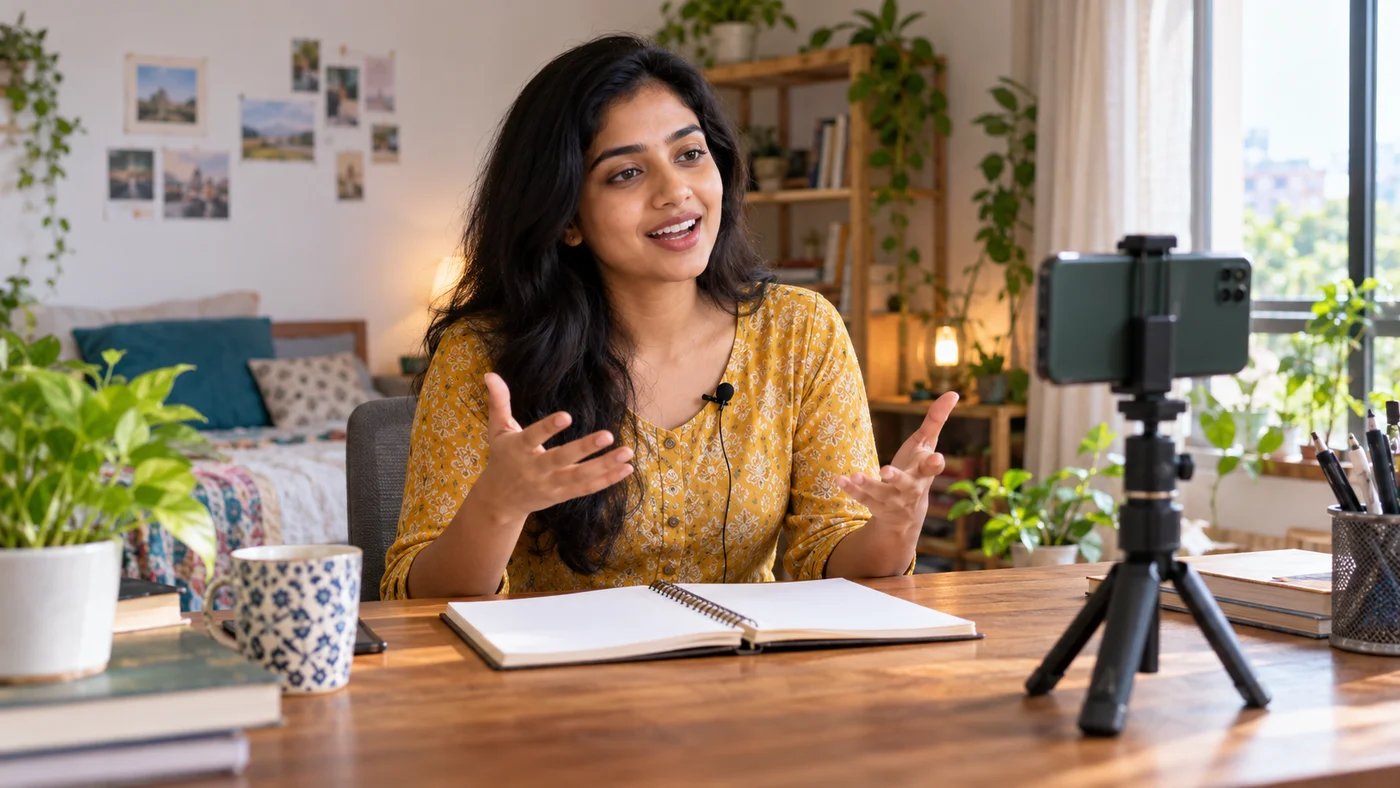
You can start a useful YouTube channel in 2026 with a smartphone, a specific audience question and a repeatable recording process. A studio camera and viral celebrity collaboration are not prerequisites. The harder work is deciding whom the video helps, making clear original footage, and then learning from what viewers actually watch without resorting to purchased views or copied clips.
This guide is designed for a first-time creator in India making explanatory, educational, travel, hobby or vlog content. It combines practical editorial planning with YouTube’s official channel setup, verification and upload guidance. These platform controls are verifiable; filming and growth recommendations here are editorial advice, not an algorithm promise.
Start with one audience and one helpful promise
“Daily lifestyle” is broad; “budget cooking for students with a single induction stove” is a clearer beginning. Similarly, “technology” can become “Android settings explained in plain Hindi or English with screen recordings.” A narrow first theme makes it easier to generate connected questions, choose an appropriate language and recognize whether viewers found an answer.
| Decision | A practical beginner choice | What not to promise |
|---|---|---|
| Audience | One group and one specific problem | Everyone will watch |
| Video format | Tutorial, short demonstration, interview or vlog with a point | Every upload will go viral |
| Language | The language you can explain confidently | A foreign accent boosts rankings |
| Posting pace | A schedule you can produce and verify | Daily uploads guarantee monetization |
Use a simple question log: collect five real questions that friends or readers ask, note what evidence or demonstration would answer each one, and select the subject you can address from direct experience. For a cooking video, show actual ingredients and safety steps. For a software guide, test the menu on the device version you name and note where interfaces vary.
Create the channel and choose a clear handle
YouTube says a Google Account can watch and subscribe, but uploading requires a YouTube channel. On YouTube’s computer or mobile website, open your profile, go to Settings, select Add or manage channels and create a channel. Set a memorable name, handle and profile picture. Creators needing more than one manager may choose the Brand Account route outlined by YouTube; do not share a personal Google password to collaborate.
Write a short channel description stating the audience, typical topics and language. Use a distinct profile image that you own or have permission to use. A handle should be recognizable across platforms where possible, but there is no need to purchase a matching paid domain just to test whether you enjoy producing videos.
The low-cost first-video kit
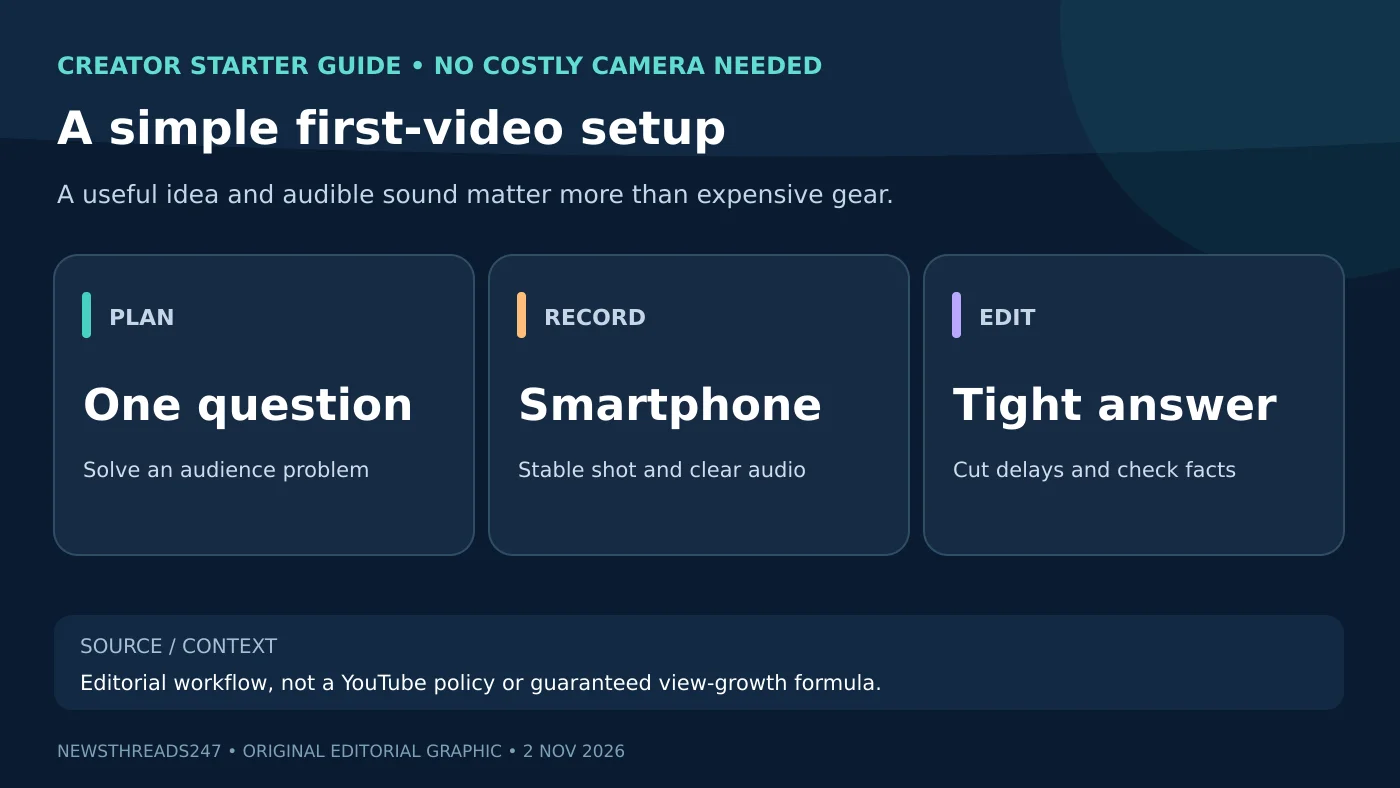
Set the smartphone at eye level on a stable stand or shelf. Face a window for soft daylight, or use a modest lamp positioned away from the lens. Record a 15-second sound test before filming; viewers struggle to learn from muffled audio even when the picture is sharp. If an external microphone is unavailable, move the phone closer and reduce fan, traffic and echo noise. Never film while driving or in an unsafe location for a shot.
Choose vertical framing for a deliberate Short and horizontal framing for conventional wide tutorials when that format serves the content. YouTube’s official Android upload help says square or vertical videos up to three minutes may be classified as Shorts; upload behavior and limits can change, so check the current help page before a format-specific project. Do not add copyrighted popular songs just because another channel appears to use them.
A script that sounds natural, not a copied article
A useful first video can follow four beats: state the problem in one sentence; explain what the viewer needs; demonstrate the main steps with close-ups or screen capture; end by checking that the outcome actually worked. For a video about phone storage, show the available-space indicator before and after a safe cleanup. For a local vlog, share route, accessibility, cost and timing as personally observed and dated, not guessed facts about a business.
Draft bullet prompts rather than memorizing a long artificial script. If you quote a source or present a health, money or legal claim, check a primary reliable reference first and explain limitations. Give credit for properly licensed material, but remember attribution alone does not always give permission to use copyrighted music or footage.
Upload carefully: visibility, audience and thumbnail
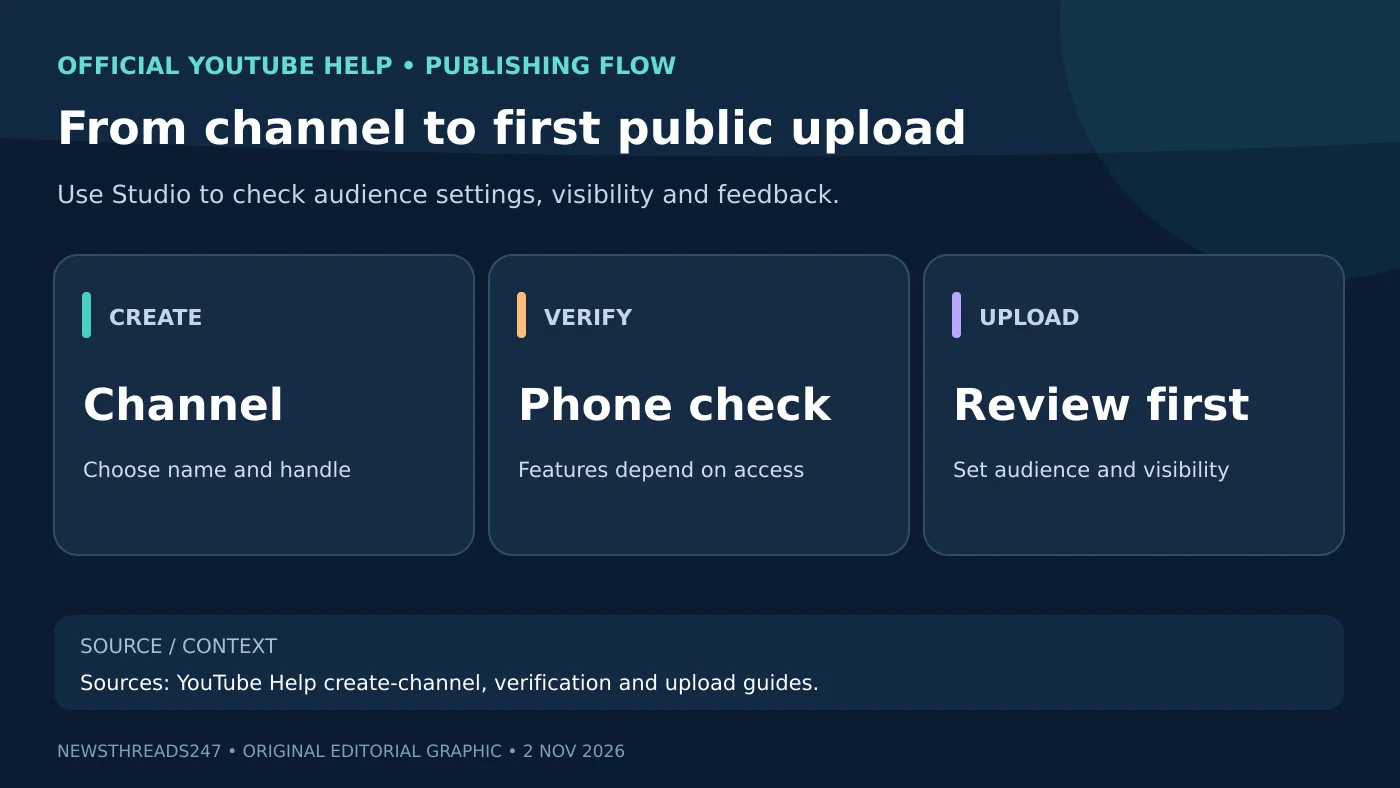
Use the YouTube app or Studio to upload the file, write a specific title and description, choose visibility and the applicable audience setting, then review before publishing. YouTube’s Android help requires an audience declaration such as “made for kids” or “not made for kids”; that is a content classification, not a setting to increase reach. Select it truthfully. For a new creator, making the first upload Unlisted while you inspect captions, sound and cuts can catch avoidable mistakes.
Phone verification can unlock longer uploads, custom thumbnails, livestreaming and other intermediate features, according to YouTube. Advanced features may require channel history or further checks. Use YouTube’s access guidance if a creator option is missing. Do not pay an unrelated person to “verify” an account or disclose verification codes.
Make a useful thumbnail without clickbait
A thumbnail should show the real subject and one clear visual question. A comparison photo, close-up of the device setting or real before-and-after state may work better than exaggerated facial expressions. Do not use a celebrity photo, disaster scene or bogus screenshot if the video does not contain it. Keep text readable on a phone screen and ensure the title describes what will actually be answered.
Description and chapters can help viewers navigate; clear spoken structure and accurate captions help accessibility. Search keywords can describe the topic, but stuffing unrelated viral terms into a description is not a growth strategy. If you include affiliate links or sponsorships, use the relevant platform disclosures and applicable advertising rules.
First month: learn from four genuinely different videos
- Week one: Publish a focused answer to the top question, review the public video on a phone and correct errors.
- Week two: Make a related demonstration showing what to do when the first method fails.
- Week three: Answer a question viewers raised and reference the earlier video only when helpful.
- Week four: Compare audience retention, click-through patterns and comments without overreading a tiny sample.
Analytics are diagnostic clues, not proof that a specific algorithm change penalized you. If viewers leave during a long introduction, try opening more directly. If the video gets clicks but confused comments, improve accuracy and structure. A single unexpectedly popular Short is not enough to determine a sustainable channel concept.
Monetization and originality: avoid the shortcuts
As of November 2026, full YouTube ad-revenue entry has published subscriber, hour or qualified Shorts-view criteria, and application review. YouTube has separately announced changes for February 2027; compare the current-versus-future YPP explainer before planning an income goal. Neither threshold guarantees earnings or approval.
The YouTube channel monetization policies discourage mass-produced, repetitious and minimally transformed reused content. Use your own commentary, demonstrations, interviews or clearly transformative analysis. AI-assisted editing and original graphics can be helpful tools; automatic recycling of other creators’ clips without meaningful contribution risks both policy and copyright problems.
Frequently asked questions
Can I start a YouTube channel using only my phone?
Yes. A channel can be created through the YouTube mobile site, and videos can be uploaded through the app. Focus first on clear sound, stable framing and reliable content.
Should my first upload be a Short or a long video?
Choose based on the question. A quick demonstration may work as a Short; a detailed tutorial may need more time. You can test both without promising a ranking benefit.
Do I need 1,000 subscribers before uploading?
No. Subscribers are relevant to particular monetization thresholds, not the ability to start uploading ordinary eligible videos.
Is it safe to buy views or copy celebrity clips?
No. Artificial engagement and unoriginal or unlicensed material can harm compliance and trust. Create work you can genuinely stand behind.
Bottom line and verification
Pick one useful question, record the simplest clear answer, verify the upload settings and learn from real feedback. Official steps: create a channel, verify your account and upload a video. This guidance was reviewed 2 November 2026 IST; device menus can change.
Visual disclosure: The lead image is an AI-generated illustration of an anonymous creator; the two accompanying workflow graphics are original visual guides, not screenshots of the YouTube app.