

Starting a blog in 2026 is easy at the technical level; publishing pages that readers trust and return to is the real project. A helpful blog answers a defined audience’s questions with original experience, reliable information and a navigation structure that works on phones. It does not need to launch with fifty generic AI articles, a costly theme or a promise of passive income in seven days.
This step-by-step guide compares the practical choices facing a new Indian blogger and uses Google’s official Blogger creation guide and Google Search Central’s SEO starter guide for the parts that are platform-specific. Hosting costs and themes vary by vendor and time, so no invented fixed price or guaranteed Google ranking is offered.
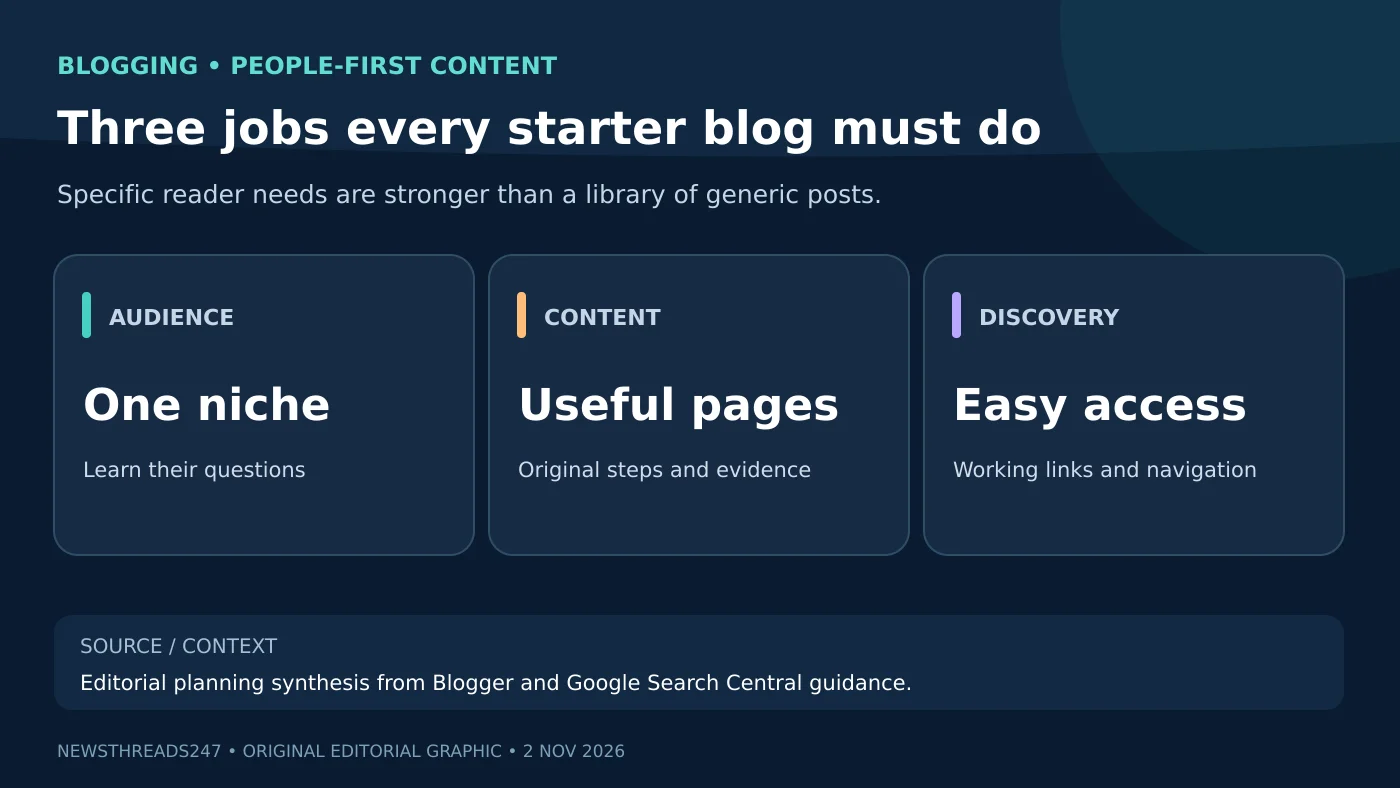
First choose a question-rich niche, not just a popular word
A personal finance blog, food blog or technology blog can all work, but each topic has a different accuracy burden. A beginner might start with “documents and steps needed for local train journeys” or “budget vegetarian lunch ideas tested at home” rather than trying to cover every headline. Choose a subject you can genuinely demonstrate, research and update. Especially for health and financial topics, clear qualifications and primary sources are essential.
Write down twenty questions from your intended readers, then group them into four or five clusters. Ask whether you can provide original photographs, comparison tables, procedures, interviews or a tested checklist rather than summarizing existing web pages. Google’s people-first content guidance values information that goes beyond the obvious. A narrow blog with five useful articles can be a better start than dozens of nearly identical keyword pages.
Blogger versus WordPress: what each choice changes
| Decision | Blogger | WordPress |
|---|---|---|
| Starting setup | Google-hosted blogging workflow | WordPress.com hosted or WordPress.org software on chosen hosting |
| Customization | Templates and settings within the service | Depends greatly on hosted plan, theme, plugins or self-hosting |
| Own domain | Can configure a custom domain | Domain options depend on service and hosting |
| Maintenance | Service manages core platform | Self-hosted WordPress needs more hands-on maintenance |
| Best early decision | Simple writing-first test | Site needing broader design/function control |
Blogger’s official setup asks the user to sign in, choose a blog name, set an address and save. WordPress is not one uniform hosting product: WordPress.com plans and self-hosted WordPress.org differ in responsibility, cost, themes and plugin access. Use official service details before paying. For a first experiment, choose the least complex platform that can present readable articles, an About page, contact information and reliable mobile navigation.
The first technical setup checklist
- Choose a short, distinctive name that does not imitate another brand, person or news organization.
- Set a secure account and recovery method; do not share admin passwords with a freelancer.
- Create an About page that explains the site, the author and what readers can expect.
- Add a way to contact the site, a clear disclosure policy for ads or affiliates, and a privacy notice appropriate to the site.
- Test readable text, menus, image loading and links on a phone before public launch.
The structure should help someone understand where they are. Put article categories in the menu only when they represent distinct reader intents. Avoid an empty “Reviews” section or a fabricated “expert team” if you have neither reviewed products nor formed a team. A small transparent website creates more trust than an overdesigned one with vague claims.
Write the first post around an answer, not a word count
Use a descriptive title and answer the main question in the opening paragraph. Then include a contents list for longer guides, headings that describe real sections, steps in the order the reader needs them, an original table or photo if it clarifies something, dated source links and a short FAQ drawn from genuine confusion. A short accurate answer can be enough for a narrow question; a large comparison or procedure needs deeper evidence. Do not pad a post solely to reach a purported SEO length.
For example, an article about choosing a USB-C cable should distinguish charging wattage, data-transfer speed and video support with actual packaging checks. That is more helpful than repeating “best USB-C cable” twenty times. Our site’s USB-C power versus speed explainer is one example of answering a specific technical misunderstanding rather than claiming one universal best product.
What Google can actually do with a new blog
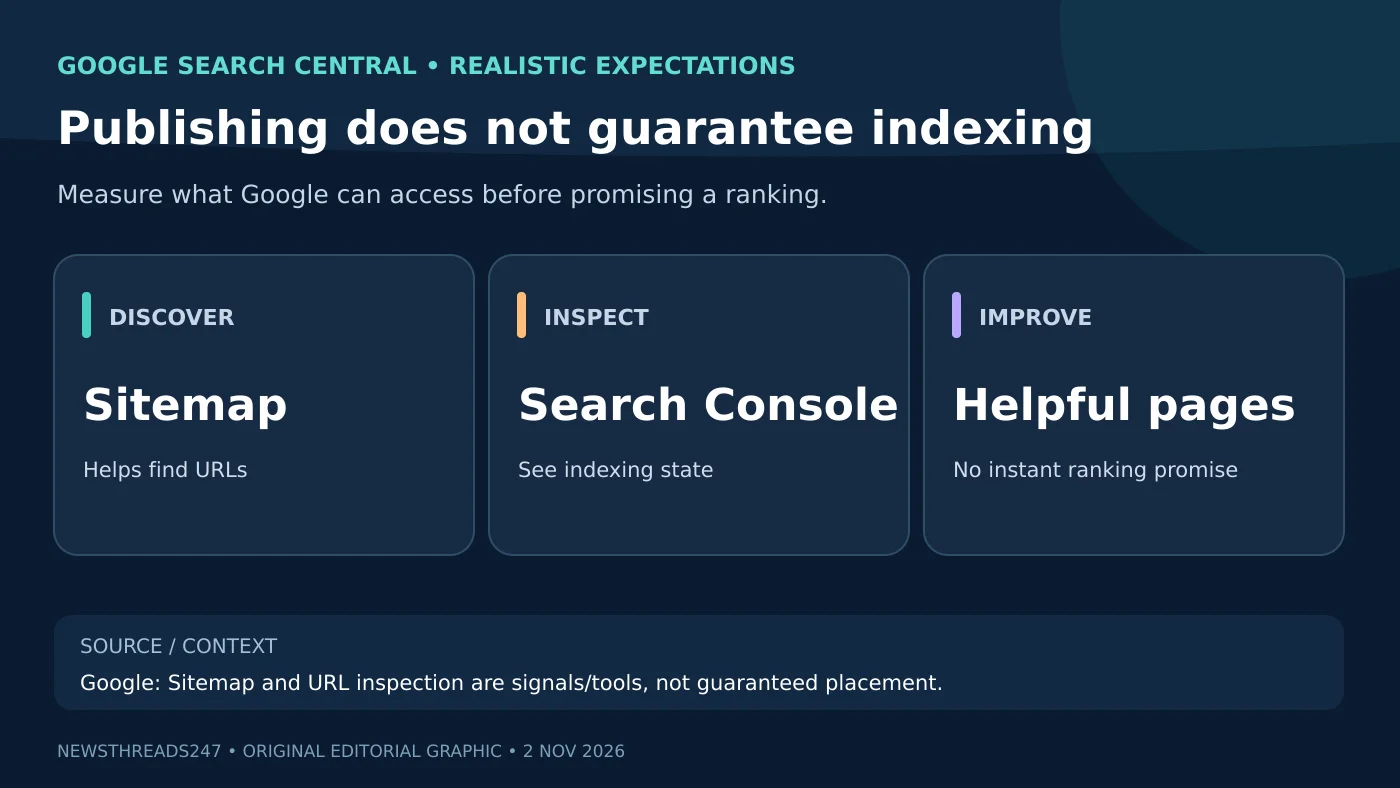
Search engines may discover a public page through links or sitemaps. The Search Console getting-started documentation recommends verifying ownership so the site owner can inspect performance and indexing. The URL Inspection tool can show what Google knows about a particular page; a sitemap helps discovery. Google explicitly says submitting a sitemap does not guarantee indexing, and a request for recrawling does not guarantee immediate appearance.
Do not publish the new blog as “private” or block search crawlers accidentally if search discovery is desired. Check the canonical URL for each article and ensure internal links point to the right page. A new domain might take time to be discovered, so the responsible statement is “monitor indexing” rather than “rank on page one in a week.” If Google reports an issue, investigate the specific error rather than repeatedly resubmitting a URL.
SEO, answer engines and AI summaries: one useful foundation
Descriptive headings, concise direct answers, accessible tables, specific source citations and trustworthy information help a human scan a page and may make it easier for search and AI-assisted systems to understand. Google’s AI search optimization guide advises focusing on established SEO and real user value, not unverified “GEO hacks.” There is no public guarantee that a page will appear in a particular AI answer just because it includes a FAQ or an AI-specific file.
Give photos meaningful alt text, use your own images or appropriately licensed ones, and disclose significant AI-created visuals. Explain who wrote or reviewed the piece, especially when describing hands-on tests. A table of contents must lead to functioning sections; a list of decorative headings is not a substitute for an article. If you edit a date-sensitive claim, update the text and review date honestly.
Ads and affiliate links: build trust before revenue
It is fine to hope a blog eventually supports advertising, sponsorships or affiliate links, but none is a guaranteed salary. If you recommend a product, distinguish personal testing from research and explain the selection criteria. Disclose commercial relationships and do not copy a retailer’s description as a fake review. Google’s spam policies warn about scaled low-value publishing and thin affiliation. The product, disclosure and consumer rules that apply in India should be checked before monetizing.
Treat claimed “domain authority scores” and keyword tool volumes as indicators from specific vendors, not official Google ranking grades. Better measures early on include whether your pages are accessible, whether people find an accurate answer, whether corrections are addressed promptly and whether Search Console begins showing credible discovery data.
A realistic first-30-days plan
- Days 1–5: Define reader, topic clusters and platform; launch About/contact/policy basics.
- Days 6–12: Publish two original reference articles that answer different, specific questions.
- Days 13–20: Add two related guides using honest images, tested steps and relevant internal links.
- Days 21–26: Verify the site in Search Console and check indexing, broken links and mobile usability.
- Days 27–30: Update unclear passages from real reader feedback and choose the next subjects deliberately.
If you also want to make videos, select one blog topic that benefits from an actual demonstration and pair it with a channel guide; our first-video YouTube tutorial covers that separate format. Do not post identical text to dozens of domains in the hope of multiplying traffic.
Frequently asked questions
Can I start blogging for free?
Services such as Blogger offer an entry path without purchasing your own hosting package. Custom domains, premium themes and additional services may incur fees, depending on what you choose.
Will Google index a newly published article instantly?
No guarantee. Google can discover public pages through links and sitemaps, and Search Console helps monitor indexing; inclusion and timing remain discretionary.
Do I need WordPress plugins to get traffic?
No single plugin guarantees rankings. A clear site structure, useful original information, accessibility and reliable discovery are more fundamental.
Can I publish only AI-generated posts?
Google evaluates content value and warns against scaled, low-effort publishing for search manipulation. A responsible publisher fact-checks, adds original insight and uses automation only where it actually improves the reader’s experience.
Bottom line and source date
Build a small publication around a reader need and add real evidence to every post. Google’s Blogger launch guide, SEO starter guide and Search Console guide are the checkpoints reviewed on 2 November 2026. No earnings or ranking outcome is promised.
Editorial method: This is an independent planning guide based on official documentation and original editorial examples. The lead artwork is AI-generated and the two diagrams are original, not claims of hands-on use of a particular paid hosting service.