
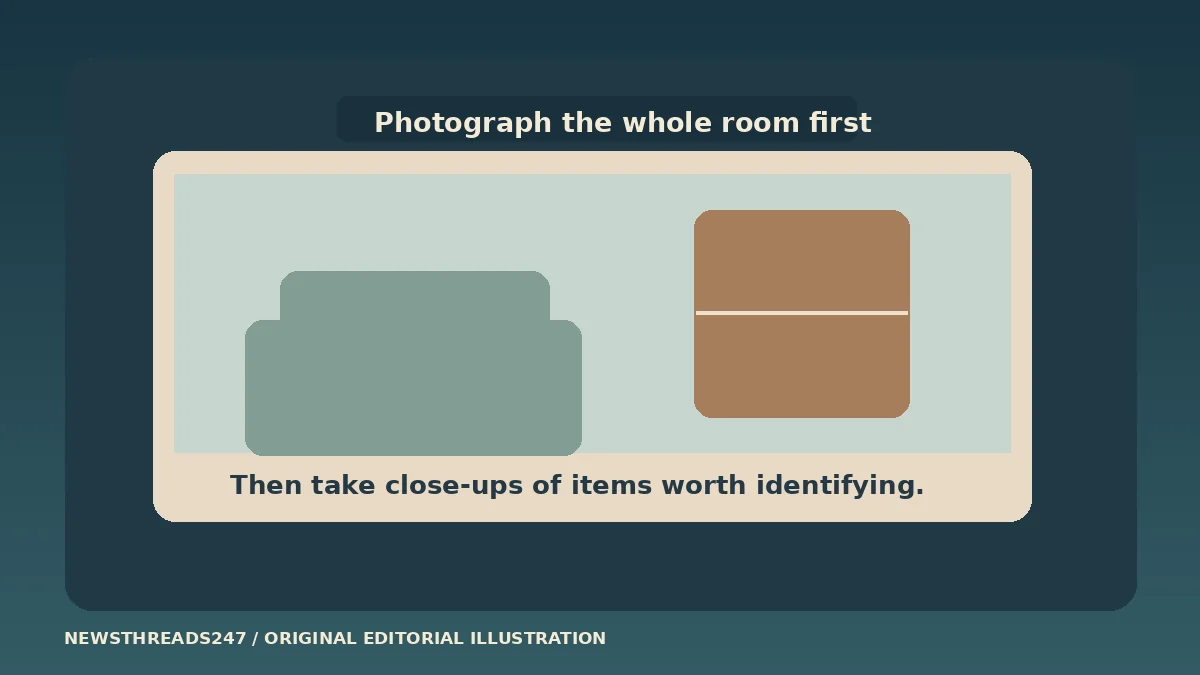
Take a wide photo of each room, then record the items that would be hardest to identify or replace. Keep a protected copy you can reach without the device you used to create it. That is enough for a useful first home inventory; you can fill in receipts and model numbers later instead of waiting for a perfect spreadsheet.
In this article
Make a first pass while everything is in place
Start with the rooms you use most. Give each room a simple name, take one or two wide photos, and make a short list of the larger items you can see. Then open cupboards and storage areas that belong to you. A wide photo of a closet is useful context even if you cannot name every item in it yet. Do not post the images publicly or photograph items that belong to someone else without asking.
The National Association of Insurance Commissioners’ home inventory guide provides ways to record belongings and add pictures. The Texas Department of Insurance also recommends taking photos or video and saving receipts for items where they are useful. A paper list or a private spreadsheet can work too. The format matters less than whether you can find and read it when you need it.
Separate the inventory from the supplies you might take in a hurry. Our emergency kit guide is about what to carry or keep at home. A belongings record is something you prepare before you need it; it is never a reason to delay leaving during an emergency.
Use close-ups where they tell you something the room photo cannot
A living-room photo might show a television. It rarely shows the model number. For an item like that, add a close-up of the manufacturer’s label if you can do so safely, then record the model or serial number and link the photo to the room entry. Do not pull a heavy or mounted appliance out of place to find a label. An old order confirmation or manual may give enough detail without moving anything.
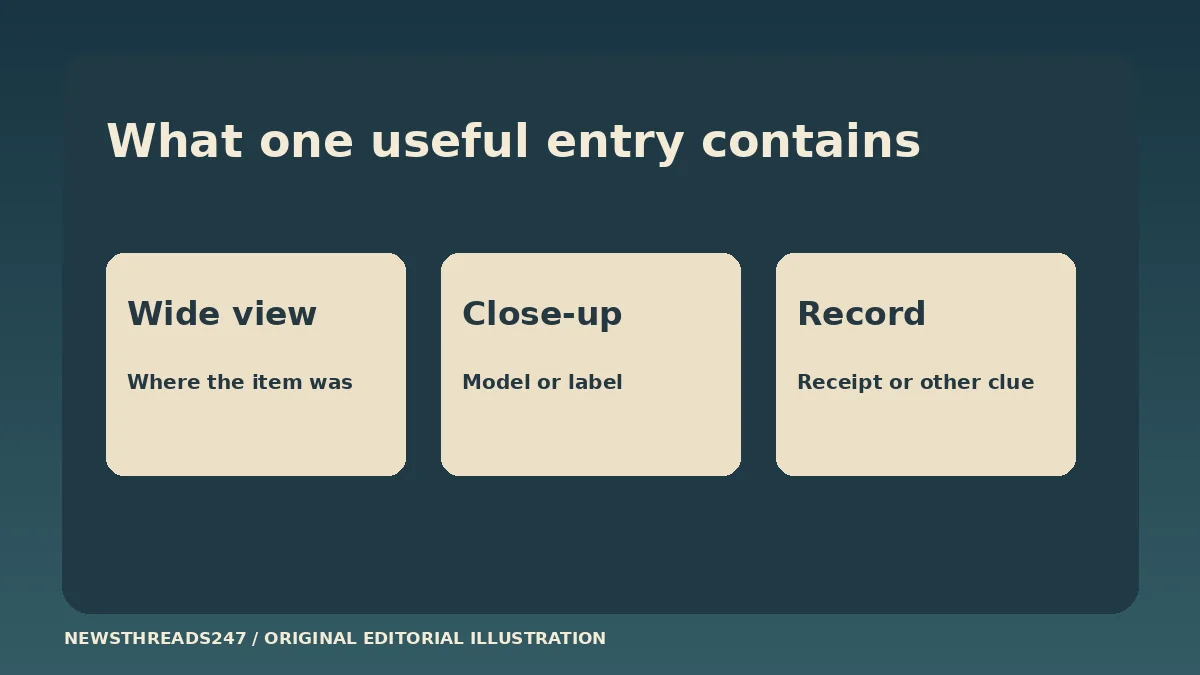
For a worked example, start with “living room — television.” Add a wide photo that places it in the room, a separate label photo or order reference, and the date you recorded it. If you know when you bought it, note the purchase date. If you only know roughly when it arrived, write “approximately” and do not make up a receipt or price. You can use the same pattern for a bicycle in storage or a work monitor that belongs to you.
Grouping ordinary items can save time. An entry such as “kitchen drawer — everyday cutlery, photo attached” may be enough for your own record. Give an individual line to belongings that are hard to describe, expensive to replace or documented separately. An insurer may ask for a different level of detail if a claim is made, so use your policy or provider’s instructions for that purpose.
Keep a useful record even if the receipt is missing
A missing receipt is a reason to record what you do have. Try a dated photo, an order email, a warranty registration or a clear model label. Save a copy of the specific record you need without collecting unnecessary account details. An inventory is a memory aid and a record of what you documented. It does not decide what a policy covers or guarantee payment.
For shared homes, add an owner field. A flatmate’s furniture, an appliance supplied by the landlord and a monitor you bought yourself should not all look like your belongings in the same list. Write down which evidence goes with which person, or keep separate inventories. When moving, you can add a box number without changing the original identifying details.
An entry that someone else can read might look like this: room, item, owner, model if available, photo file, proof if available, and date last checked. Use consistent file names rather than a long camera roll. The California Department of Insurance’s inventory guide offers a template for comparing the level of detail you keep.
Test access from somewhere other than the phone you used
An inventory can reveal valuables, serial numbers and the layout of your home. Keep it private. Store a protected copy somewhere you can access even if the original device and home are unavailable. For example, use a secured account with recovery options you can still reach, or a protected copy kept outside the home. Do not include passwords or sensitive identity records in an ordinary folder of room photos.
The Texas Office of Public Insurance Counsel’s guide recommends keeping an extra copy of the inventory. Adapt that idea by testing your own copy: open one room photo and one supporting file from a second trusted device or by using your off-site copy. If the files are empty, the attachments were never exported, or the password is available only on the lost device, fix that while you can.
If you share access with a household member, agree on what they need and keep the permissions narrow. A list with valuable items should not live in a link that anyone can open.
Update a few entries when something changes
You do not have to photograph every room every month. Add important purchases when the receipt is still easy to find, and mark items you sell, give away or replace. Review the room names and storage locations after a move. Keep a last-checked date so an old photograph does not silently become evidence of what is still there.
Your first pass is useful if it answers three questions: what was there, how you can identify it, and how you can reach the record if your phone is gone. A short, retrievable list is a better starting point than a detailed file you cannot open. The examples and illustrations here are fictional, and US agency resources are cited for recordkeeping rather than as a statement of any individual policy’s coverage.