
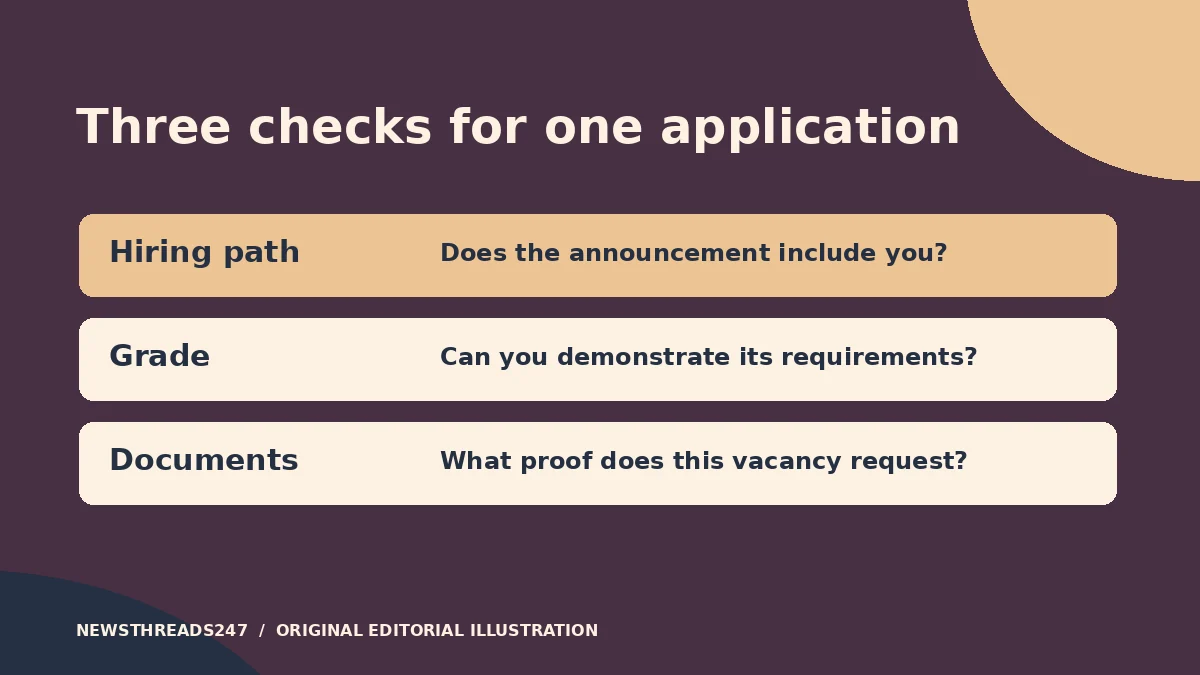
On USAJOBS, an applicant can have the right experience and still be outside the group a vacancy accepts. Read “This job is open to” before you rewrite your résumé. Once you can identify a hiring path that applies to you, check the qualifications for the specific grade and then gather the documents that support both.
In this article
Check who the agency is accepting
USAJOBS uses hiring paths to identify groups of people that a vacancy can consider. The official eligibility and qualifications guide separates that question from experience, education and skills. A vacancy can list several paths. Open the announcement and read its text, especially “This job is open to” and any clarification from the agency. Use the USAJOBS hiring paths guide to understand a label you have not seen before.
A search result, saved filter or recommendation can help you discover a vacancy; it does not settle your eligibility for it. Similar titles do not settle it either. An agency can post one announcement open to the public and another with a narrower audience. The announcement numbers, grade ranges or application instructions can differ. Keep a note of the exact posting you intend to apply under.
Compare two announcements for similar work
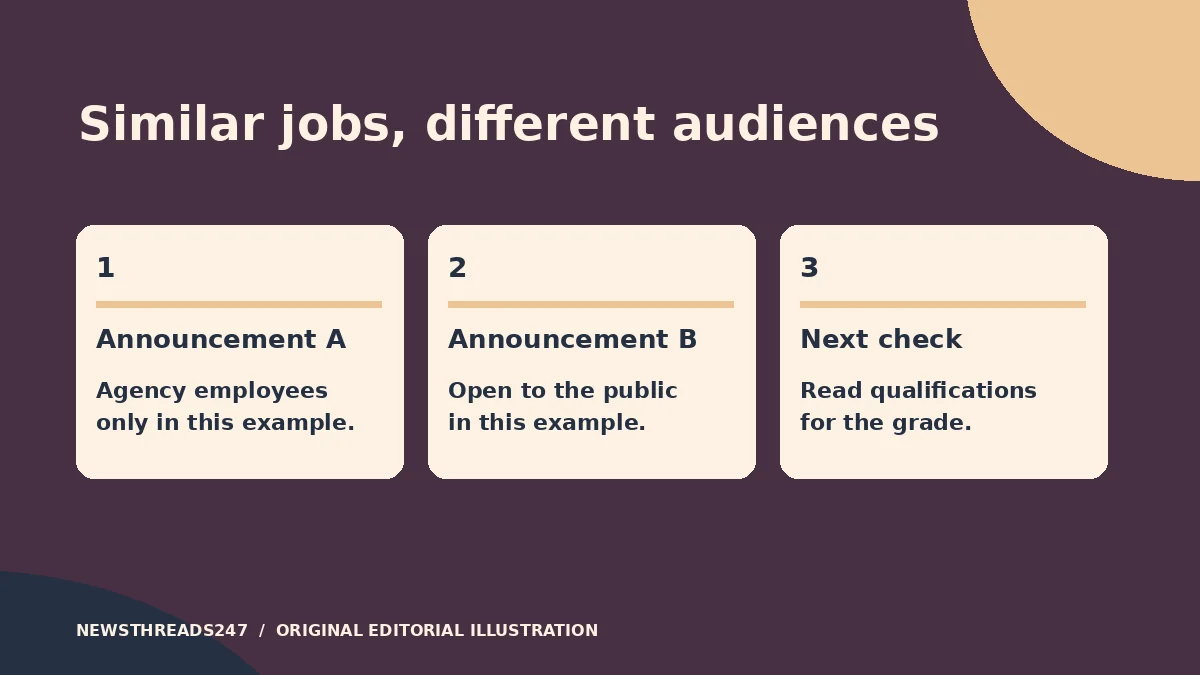
Suppose a private-sector analyst sees two fictional postings with similar titles. The first is limited to current employees of the agency. The second is open to the public. If the analyst is outside the group described in the first notice, an excellent record in private-sector work does not put them inside that group. The second notice is the one to check next, assuming the applicant meets its public-path and other requirements. The USAJOBS guide to the public hiring path explains that route.
Now suppose a current federal employee sees the same pair. They should still read the first posting’s actual wording. A person working at a different agency cannot assume that a notice limited to the hiring agency includes them. If a posting refers to a specific service or appointment, check the USAJOBS guide for federal employees and the actual announcement rather than relying on the word “federal” alone.
Read qualifications for the grade you select
Once you have identified a path, note the grade you want to apply for and open the announcement’s qualifications and education sections. For each required element, write down the experience or education you can substantiate. If the notice permits an education substitute or combination, follow the wording for that grade. Do not assume a degree automatically qualifies you for every opening with the same grade.
If the notice advertises two grades, make separate rows instead of checking a single “qualified” box in your notes. The higher grade can have a different experience threshold or different duties to demonstrate. You might be able to document the lower grade while needing the agency to clarify an item for the higher one. Apply only for grades you intend to accept, and follow any grade-selection instructions in the announcement.
Then compare the experience requirement with what your résumé actually shows. Saying you were an analyst for three years does not explain which tasks you performed, their scope, or when you did them. Use our two-page federal résumé guide for that separate writing task. If the notice mentions time in grade, read it as a separate requirement for the circumstances described in that announcement. Do not infer it from the specialized-experience line or assume it applies to everyone.
Build a document list for your own hiring path
Use the Required Documents section of the posting. Write down one piece of evidence for each claim you are relying on, and check the instructions for what the agency wants the document to show. A résumé can show experience but may not establish eligibility for a narrower hiring path. Some federal employee paths call for an SF-50 or other records. The exact type, date or information requested can differ, so check the posting.
Before sending, open the uploaded copies. Check that the document belongs to the correct announcement and that all required pages can be read. If the job directs you to a separate agency application system, complete the required steps there and verify submission. The USAJOBS application guide explains how the platform and agency process fit together.
Make an apply, ask or move-on decision
Apply when you can identify an accepted hiring path, match the grade’s requirements and attach the documents the notice requests. Ask the contact in the announcement when one condition is unclear. For example: “Announcement X lists current employees of the hiring agency in the clarification. Is any other path accepted for this vacancy?” That question is easier to answer than a request to review your entire background.
If the notice does not list an applicable path, save the search and look for a posting whose audience you can substantiate. Recheck the exact notice if an agency re-advertises the role. A path that accepts your application only gets you past one stage; the agency determines qualifications and later selection.