Google Passkeys on a Shared Computer: Signing Out Is Only One Check

A temporary sign-in, a stored passkey and an active session are different. Follow Google’s guidance before creating a credential on a shared device.

Understand phone settings, device features and the technology you use each day. Our explainers focus on practical steps, compatibility limits and what to check before making a change.Start here: Android theft-protection settings.
A temporary sign-in, a stored passkey and an active session are different. Follow Google’s guidance before creating a credential on a shared device.

Clear All, deleting a pinned item and stopping clipboard sync do different jobs. Check Windows 11’s history and sync settings without mistaking cleanup for a security guarantee.

An installed app is not proof that its data returned. Check Android backup, app accounts, chat backups and sign-in codes before erasing an old phone.

An unwanted newsletter, repeated spam and a fake account alert need different responses. Learn what Gmail’s controls change and what they leave unresolved.
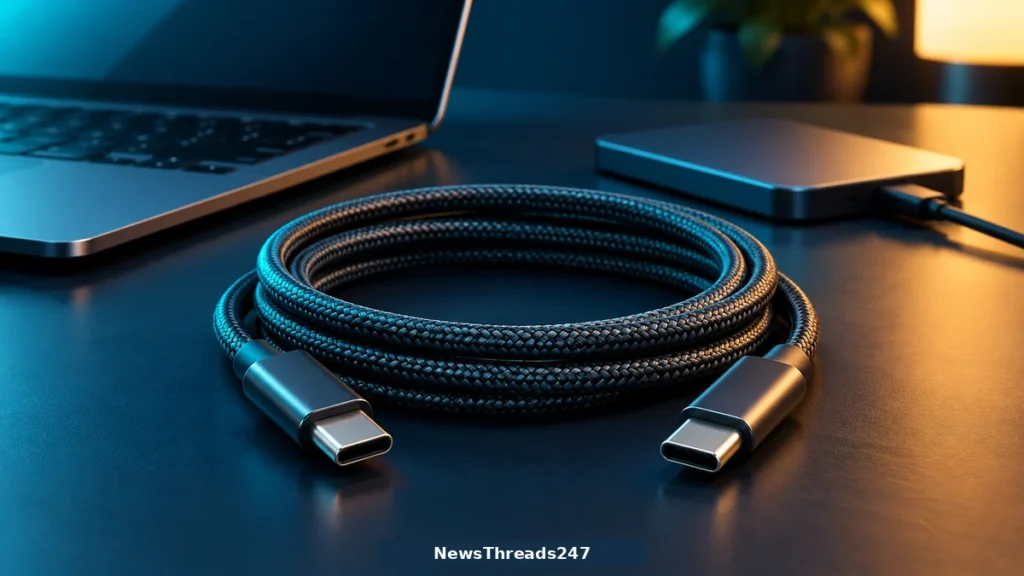
USB-C shape and charging wattage do not establish data speed or video support. Check the cable, ports and device before replacing the wrong part.
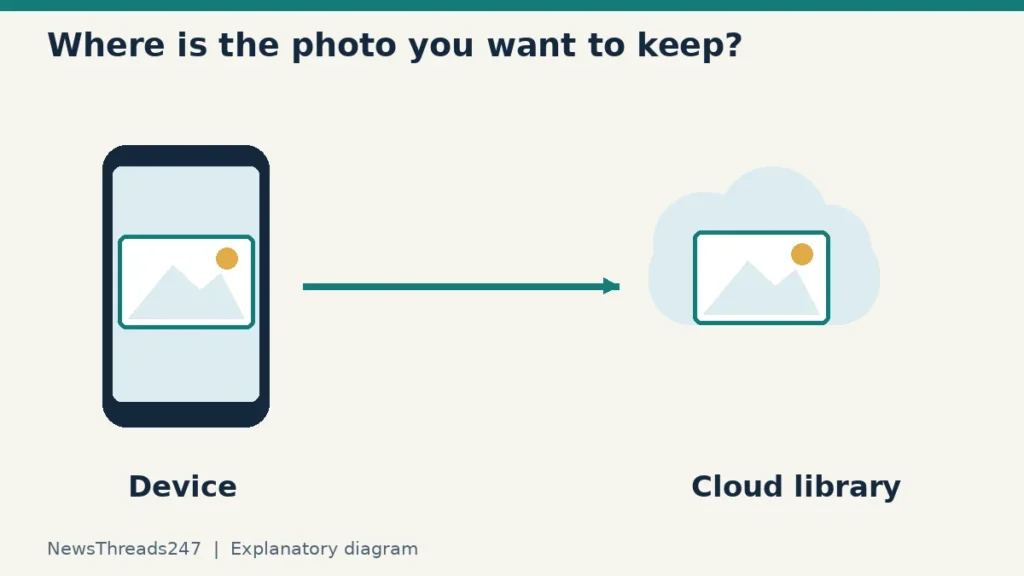
Phone storage and cloud storage are different problems. Check what Google Photos and iCloud Photos will remove before clearing a library.
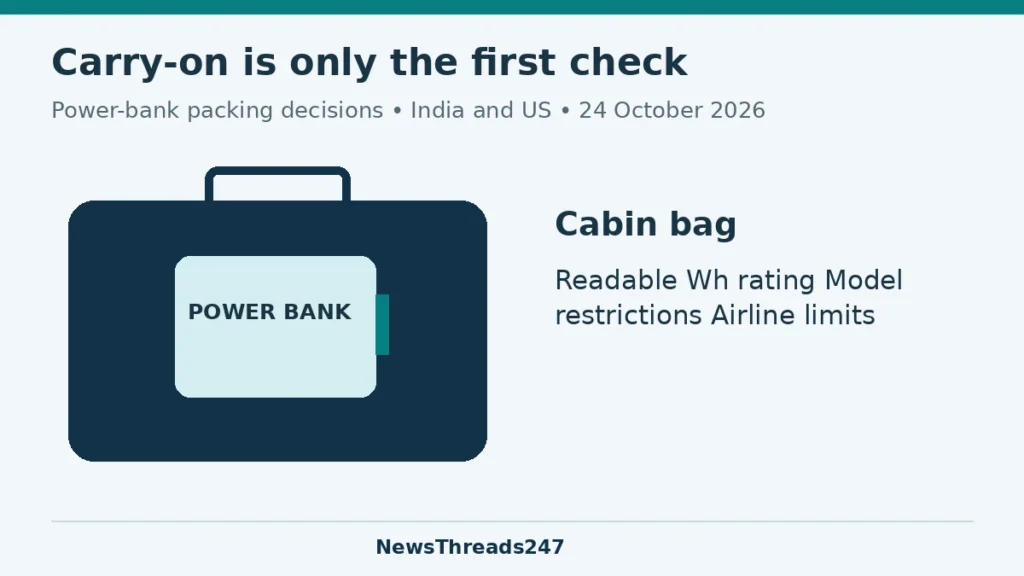
Power-bank flight checks for India and the US: capacity, model bans, cabin packing and airline restrictions, with a worked Wh calculation.

Android version, security patches, Google Play system and app updates are separate checks. Find the right next step before resetting your phone.
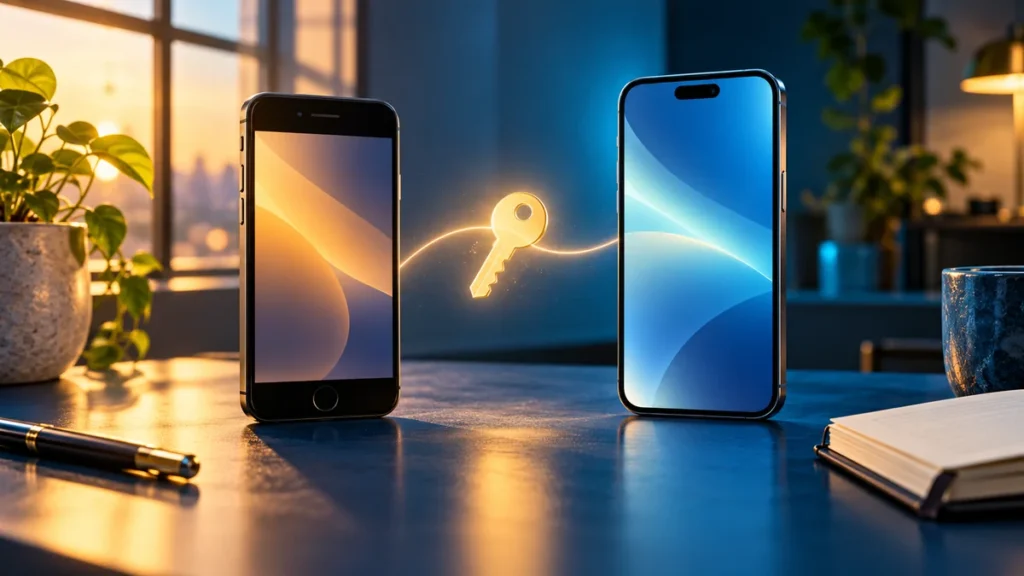
Changing phones? Find where your passkeys are saved, check recovery access and test a fresh sign-in before erasing or trading in the old device.
Google’s security updates make this a good time to review your phone. Understand Theft Detection Lock, Remote Lock, Identity Check and Find Hub, including device limits and what to prepare before a loss.